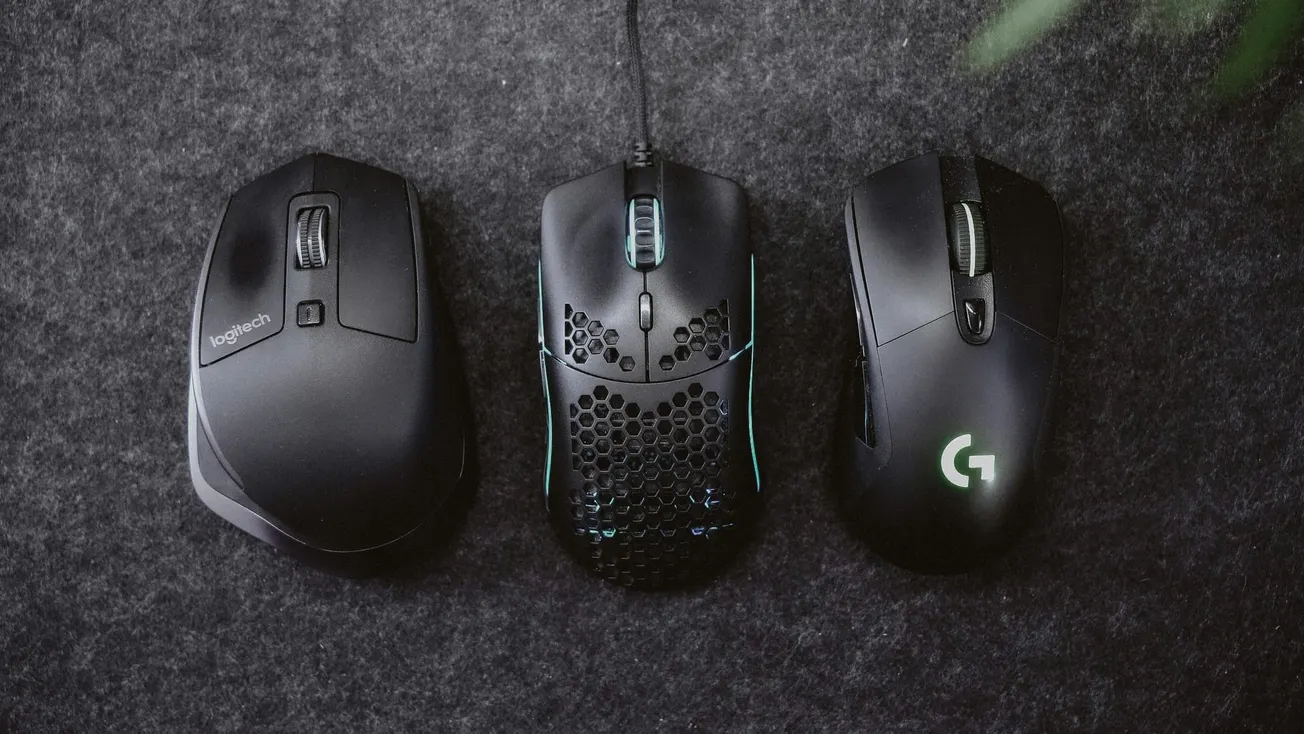
Selecting the right computer mouse is one of the most impactful decisions for a professional workflow, yet it is often overlooked. In 2026, the market has moved beyond basic hardware to specialized tools that cater to specific creative and administrative tasks.
Whether the goal is to speed up video editing timelines, reduce wrist strain during long podcast recording sessions, or maintain a portable setup for remote work, the hardware chosen serves as the primary interface between the creator and their digital output.
The modern media landscape demands tools that can handle high-resolution displays and multi-device setups. Recent hardware reviews from industry publications highlight that precision and ergonomics are no longer mutually exclusive.
By understanding the specific requirements of their production environment, creators can choose a device that enhances both their speed and their physical comfort.
Top Computer Mice for Professional Use in 2026
The following list highlights the top-rated mice currently leading the market for productivity, comfort, and specialized media production.
1. Logitech MX Master 4
Widely considered the gold standard for productivity, this model features a new Action Ring digital overlay and haptic feedback to streamline software shortcuts.
2. Razer Pro Click V2 Vertical
This device is designed for maximum ergonomic support, placing the hand in a natural handshake position to prevent carpal tunnel syndrome during long editing sessions.
3. Logitech MX Ergo S
A thumb-operated trackball mouse that allows the hand to remain stationary, making it ideal for cramped studio spaces or precision audio mixing.
4. Logitech Signature AI Edition M750
This compact mouse includes a dedicated AI button to trigger prompt-building software, catering to creators who use generative tools in their daily workflow.
5. Kensington Expert Mouse Wireless Trackball
A fingertip-operated trackball with a large, smooth ball that provides excellent tactile feedback for engineers and designers.
6. Microsoft Adaptive Mouse
A highly customizable solution for creators with accessibility needs, allowing for modular attachments to fit unique physical requirements.
Productivity Features for High-Intensity Editing
For those managing complex projects in video or audio production, a high-performance productivity mouse is often the standard choice. Devices with secondary scroll wheels are particularly useful for navigating horizontal timelines in software like Adobe Premiere Pro or DaVinci Resolve. The ability to switch between multiple devices at the touch of a button also makes these mice ideal for professionals who balance tasks between a primary workstation and a secondary laptop.
The precision of modern sensors, reaching up to 30,000 DPI, allows for pixel-perfect accuracy on ultra-high-definition monitors. This level of control is essential for fine-tuning audio levels or making frame-accurate cuts. As noted by PCMag, the latest software integrations allow these buttons to be mapped to specific app-based commands, reducing the need to move hands between the mouse and keyboard.
Ergonomic Design and Long-Term Health
As digital media production often involves hours of repetitive movement, ergonomic health has become a priority for modern creators. Vertical mice are designed to keep the hand in a neutral orientation, which reduces pressure on the carpal tunnel and minimizes forearm twisting. While these designs require a brief adjustment period, the reduction in fatigue allows for longer, more focused creative sessions.
For creators who have experienced wrist pain or repetitive strain injuries, switching to an ergonomic model is a practical step toward a more sustainable career. These tools prioritize the health of the creator without sacrificing the technical precision needed for professional tasks. Investing in a high-quality interface tool is a direct investment in the quality and longevity of one's creative output.
More about equipment:
 Staff Report
 Staff Report
 Staff Report