Unlock Your Audio Potential
Selecting the right Pro Tools system can significantly impact the quality and efficiency of your audio and video projects. This comprehensive guide helps creators, podcasters, and businesses navigate the complexities of hardware, software tiers, and connectivity. Understand how to make informed decisions that prevent buyer's remorse and empower your content creation workflows.
Understanding Pro Tools Tiers and Licensing
Historically, Pro Tools users chose between native software and the DSP-based HD/HDX ecosystem. Today, the decision revolves more around four distinct tiers: Intro (free), Artist, Studio, and Ultimate. Each tier offers different capabilities and track counts tailored to various professional needs, from learning the interface to managing large-scale productions.
The flexibility of current Pro Tools versions allows users to pair any tier with a variety of hardware, including both Avid and third-party interfaces. Licensing options also include perpetual and subscription models, offering financial flexibility based on your usage patterns. Choosing between these licensing types depends on whether you prefer consistent access or control over upgrade timing.
Hardware Considerations: Computer and Processing Power
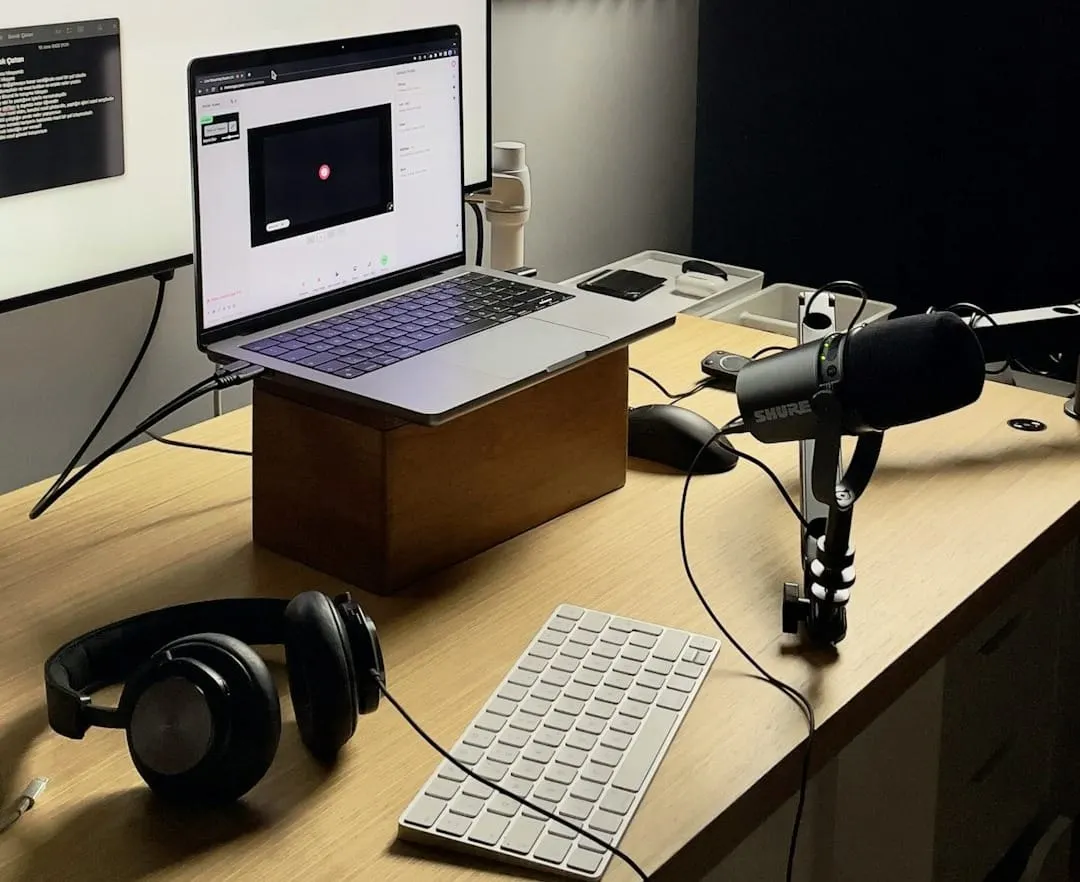
Pro Tools performs reliably on modern Apple Mac and most Windows computers, though Apple's controlled ecosystem often simplifies compatibility checks. For serious audio and video production, especially with complex sessions or virtual instruments, sufficient memory is crucial. A minimum of 64GB of unified memory is recommended for Apple Silicon Macs to ensure smooth operation and scalability.
For Windows users, selecting a high-speed processor is paramount, though aftermarket memory upgrades are generally easier to implement. Historically, professional Pro Tools environments favored HDX hardware connected via PCI cards, but advancements like Thunderbolt have changed this dynamic. External PCI chassis can now connect these cards to modern, compact computers, eliminating the need for internal PCI slots.
The Hybrid Advantage: Avid Carbon
Avid Carbon represents a significant shift, offering a hybrid interface solution that combines native mixing with onboard HDX DSP for tracking. This innovation provides near-zero-latency tracking without requiring a full HDX rig. For many music studios, Carbon offers the ideal balance of performance and cost-effectiveness.
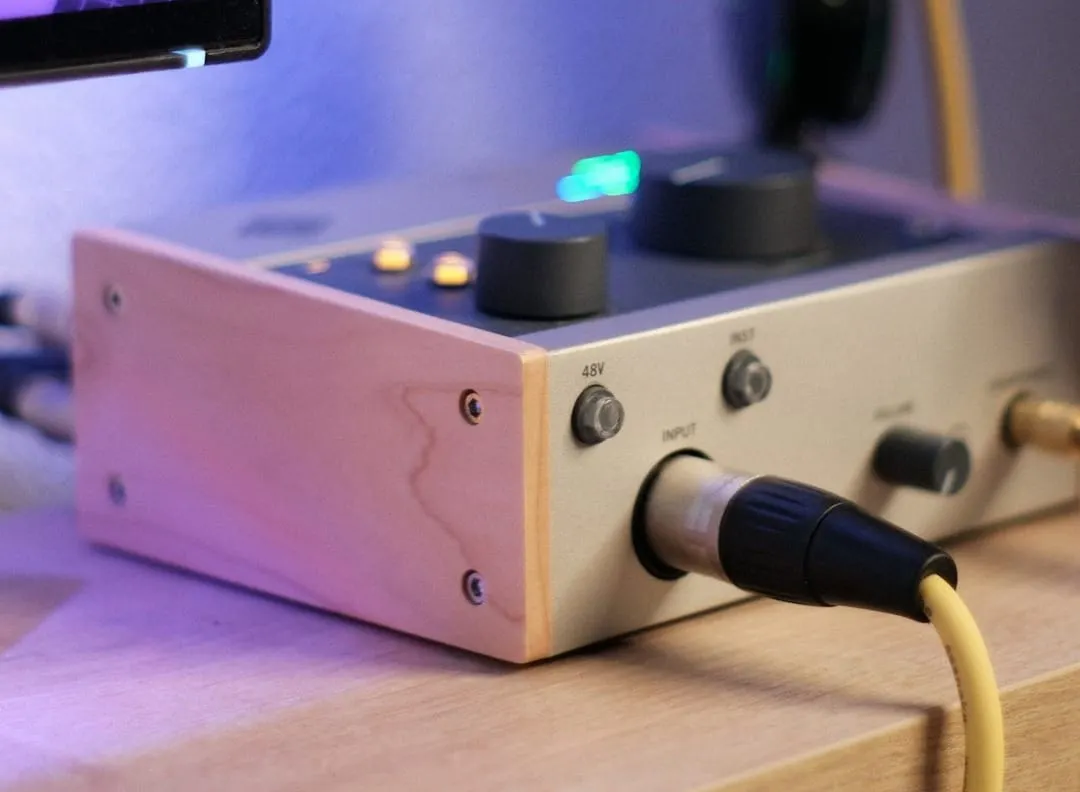
Carbon connects via AVB, an ethernet-based protocol, and is designed to integrate seamlessly with your computer's qualified connection. It can be paired with Pro Tools Studio for a powerful self-contained setup or with Pro Tools Ultimate for advanced post-production features and higher track counts. This flexibility makes it a versatile tool for diverse audio production needs.
Navigating Connectivity Protocols
Modern audio interfaces utilize various connection protocols, each with unique advantages. Thunderbolt 4 and 5, delivered via USB-C, are now standard native interfaces on both Mac and Windows platforms, offering high speed and reliability. USB4 also presents a serious alternative, moving beyond its past perception as a budget compromise.
For studios needing to share infrastructure across multiple rooms, audio over IP solutions like AVB and Dante have become mainstream. Dante is widely adopted in broadcast and educational settings for its robust network capabilities. Older, but still useful, options like ADAT lightpipe remain excellent for affordable I/O expansion, while DigiLink serves as Avid's exclusive HDX I/O standard.
The Value of a Trusted Dealer
While online shopping offers convenience and potential savings, equipping a professional studio often benefits from expert guidance. A reliable dealer provides invaluable support and after-sales service, which can be critical for complex audio systems. This personalized assistance can prevent costly mistakes and ensure your system is optimally configured.
For those less confident in making complex hardware and software choices, the slightly higher prices from a good dealer are often a worthwhile investment. Their expertise helps you navigate compatibility issues and optimize your setup for current and future projects. Establishing a relationship with a knowledgeable dealer offers peace of mind and long-term technical support.
Future-Proofing Your Investment
A common pitfall in system selection is focusing solely on immediate needs without considering future growth. It is essential to anticipate your requirements for the next five to ten years when making a significant investment in a Pro Tools system. Consider how your projects might evolve, such as adding band members or expanding into immersive audio formats like Dolby Atmos.
For example, a post-production user currently working in stereo should consider an interface with at least 12 outputs to facilitate a future transition to Dolby Atmos without expensive upgrades. This foresight applies to every component, from memory and hard drives to the audio interface itself. Planning for scalability ensures your initial investment continues to meet your evolving content creation demands.