Choosing the Right Audio Interface for Modern Workflows
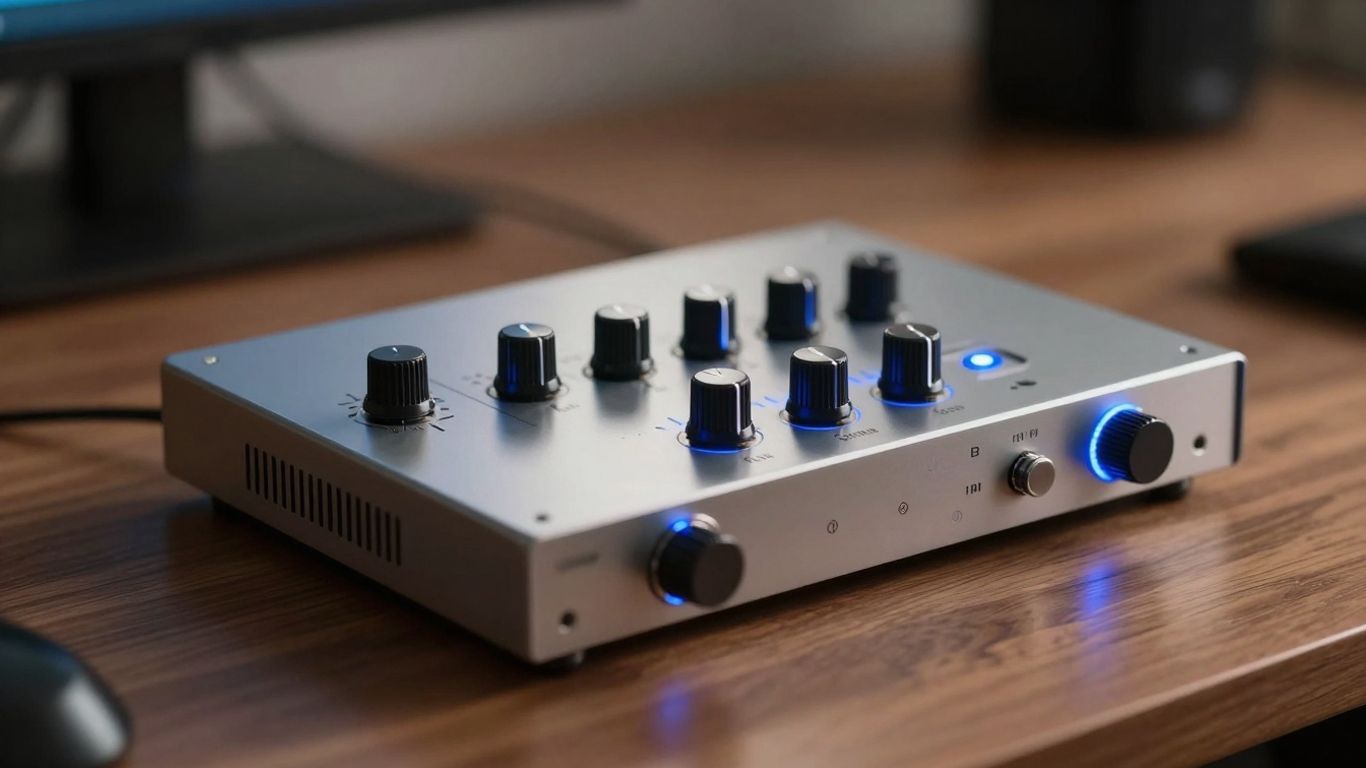
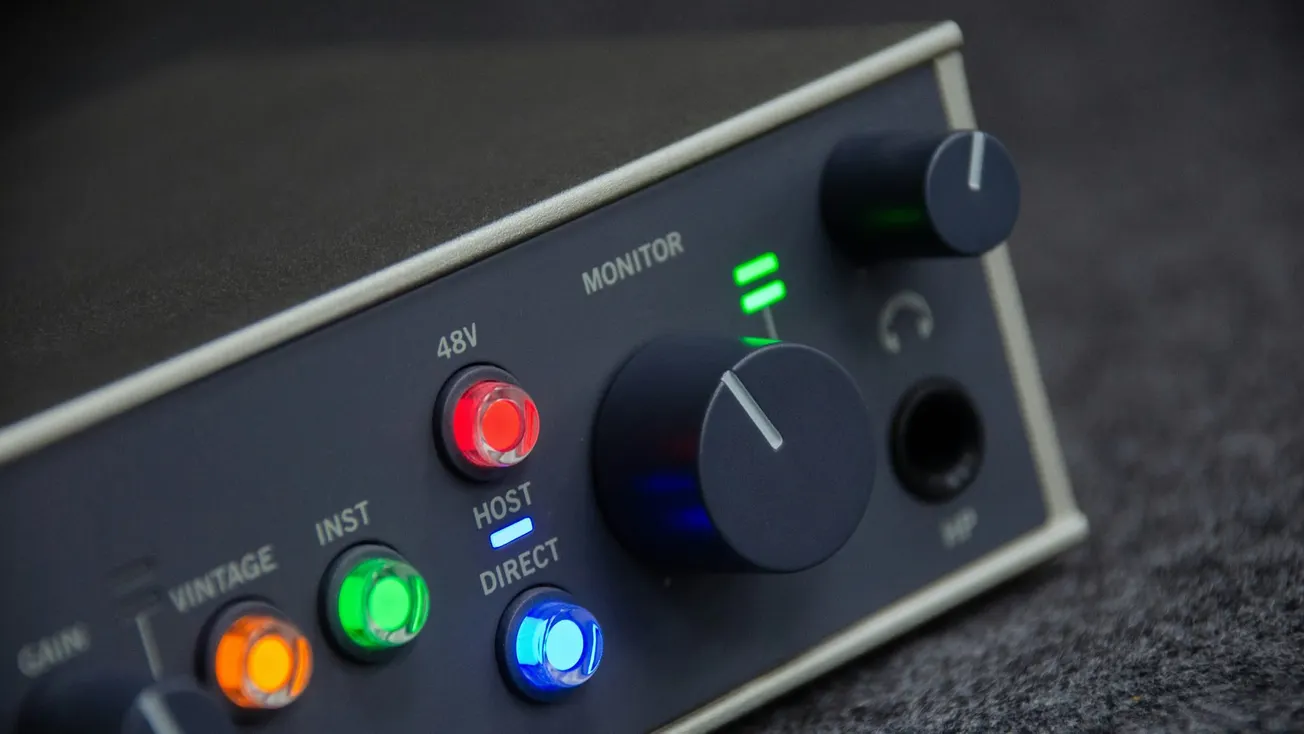
The audio interface serves as the central nervous system of any podcast or video production studio, converting analog signals from microphones and instruments into high-quality digital data.
In 2026, the market has shifted toward desktop units that offer professional-grade preamps and conversion in compact, accessible form factors. For creators and small businesses, selecting an interface is no longer just about the number of inputs; it is about finding a tool that reduces technical friction while providing the fidelity required for modern distribution standards.
1. Focusrite Scarlett 2i2 (4th Gen): The Standard for Beginners
The Focusrite Scarlett 2i2 remains the most popular entry point for solo creators and podcasters. The fourth-generation model has introduced significant upgrades, including a massive +69dB of gain—making it capable of driving gain-hungry dynamic microphones like the Shure SM7B without the need for external boosters.
Its Auto Gain and Clip Safe features act as a virtual engineer, automatically setting levels and preventing digital distortion during recording, which is a major benefit for creators managing their own productions.
2. Universal Audio Apollo Twin X Gen 2: The Professional Choice
For those seeking high-end studio sound on a desktop, the Apollo Twin X Gen 2 is the gold standard. Its primary advantage is the onboard Digital Signal Processing (DSP), which allows users to run world-class plugins—emulating vintage compressors, EQs, and preamps—directly on the interface hardware.
This results in near-zero latency and a polished, "radio-ready" sound during the recording stage. It is an ideal investment for businesses looking to establish a premium audio authority.
3. Audient iD4 MKII: Superior Preamps on a Budget
The Audient iD4 MKII is frequently cited by production experts for its exceptional audio transparency at a lower price point. It features the same Class-A mic preamp design found in Audient’s large-format console desks, providing a clean, warm signal path.
Its JFET instrument input also makes it a standout choice for creators who incorporate musical elements or guitar-based content into their videos and podcasts.
4. Solid State Logic SSL 2+ MKII: The Iconic Console Tone
The SSL 2+ MKII brings the legendary "British console sound" to the desktop. Its 4K Legacy mode introduces a specific analog saturation and high-frequency boost inspired by the SSL 4000 series consoles.
For marketing teams and educators, this provides a subtle harmonic richness that makes voices sound more authoritative and professional. The MKII version offers enhanced 32-bit converters, ensuring future-proof audio resolution for high-fidelity projects.
5. RME Babyface Pro FS: Unmatched Stability and Precision
In professional environments where system crashes are not an option, the RME Babyface Pro FS is the preferred tool. RME is renowned for its rock-solid driver stability and the TotalMix FX software, which allows for complex internal routing—perfect for podcasters who need to manage loopback audio from Zoom calls or remote guests.
Its precision-engineered clocking technology ensures that the digital conversion is jitter-free, preserving every detail of the original recording.
6. Lewitt Connect 2: The Most User-Friendly Interface
Designed specifically with the modern content creator in mind, the Lewitt Connect 2 emphasizes ease of use. It features a touch-based interface and intuitive software that simplifies the setup of complex features like "Auto Setup" and "Mute Groups."
This interface is particularly effective for small businesses that need to produce high-quality internal communications or social media content without employing a dedicated audio engineer.
7. Arturia MiniFuse 2: Compact and Software-Rich
The Arturia MiniFuse 2 is a versatile option for creators on the move. Beyond its rugged build and quiet preamps, it ships with a comprehensive software bundle including professional virtual instruments and effects.
This provides immediate value for beginners who need a complete production suite to start creating. Its loopback channel is a vital feature for streamers and video podcasters who need to record computer audio alongside their microphone.
Scaling Your Production Setup
Selecting an interface from this 2026 lineup ensures that your technical foundation is secure. As production needs grow, these tools offer the flexibility to integrate with more advanced audio equipment and recording workflows.
By investing in an interface that balances quality with ease of use, creators can spend less time troubleshooting and more time telling impactful stories. For more insights on building your studio, explore our comprehensive guides on audio software and equipment selection.
More about audio interfaces:
 Staff Report
 Staff Report
 Staff Report