Transforming the iPhone into a Remote-Controlled Cinema Tool
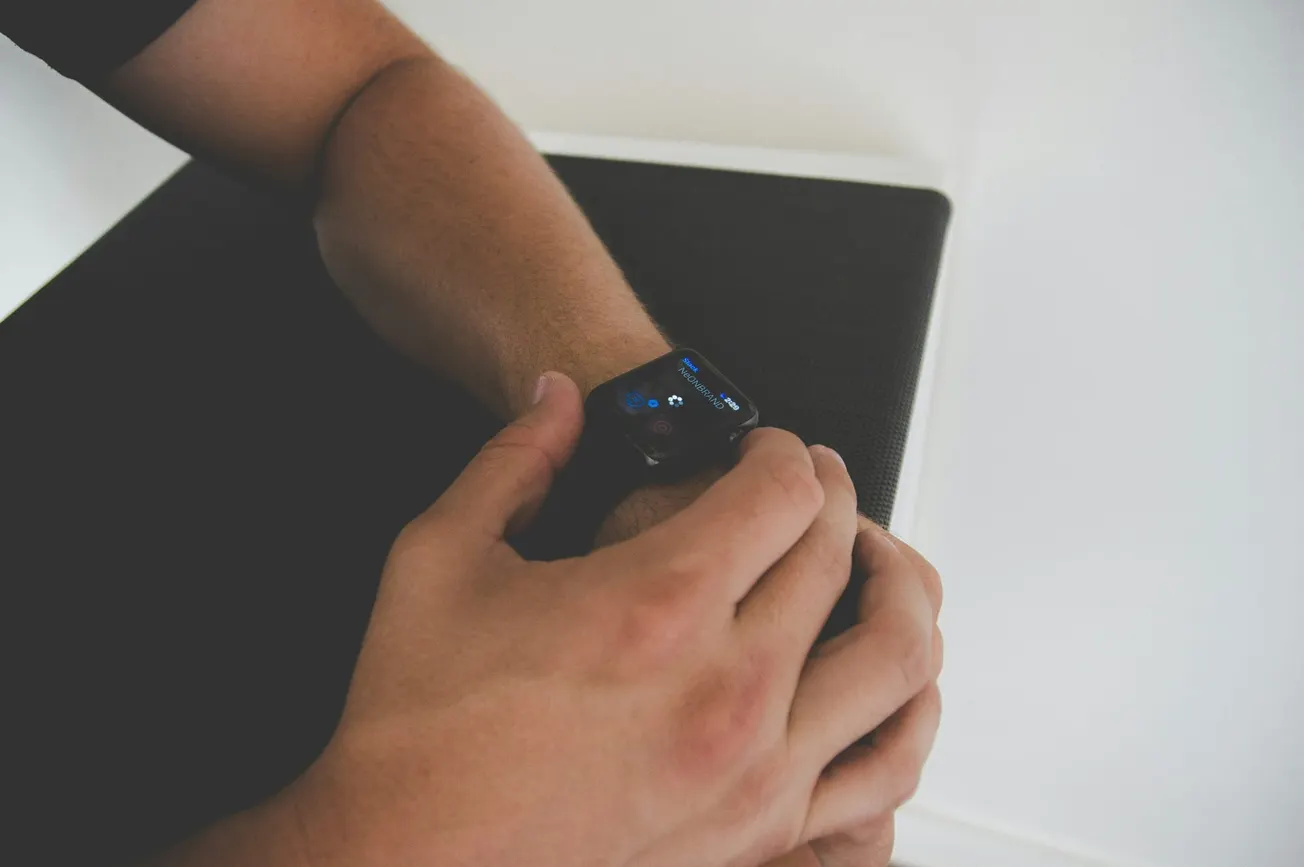
Blackmagic Design has released version 3.3 of its Blackmagic Camera app for iOS, introducing features that bridge the gap between mobile filmmaking and professional broadcast environments. The update is headlined by a new Apple Watch companion app, which allows creators to remotely control and monitor their iPhone from their wrist. This development specifically addresses the physical limitations of mobile production, such as when a device is mounted on a gimbal, a high tripod, or an overhead rig.
By offloading essential controls to the Apple Watch, Blackmagic eliminates the friction of physically touching the iPhone screen, which often causes unwanted camera shake or requires repositioning the entire setup. This update reinforces the trend of the iPhone as a legitimate tool for high-end video production, suitable for independent filmmakers, small business marketing teams, and news organizations requiring a "run-and-gun" setup.
Technical Capabilities of the Apple Watch Companion
The Apple Watch interface provides a real-time viewfinder, allowing operators to monitor framing and audio levels from a distance. Beyond simple monitoring, the app enables users to start and stop recording and adjust critical settings such as exposure, focus, and white balance. In a move that mirrors professional camera workflows, users can even use the Digital Crown on the Apple Watch to switch between the iPhone's different lenses or control zoom with precision.
For solo creators, this effectively turns the Apple Watch into a wearable field monitor. While it does not replace a dedicated high-resolution display for critical focus, it provides enough data to ensure a shot is properly framed and levels are correct before a take begins. The app also supports the triggering of LUTs (Look-Up Tables) and provides status indicators for timecode, resolution, and remaining battery life, ensuring the operator has full situational awareness without needing to access the phone's primary screen.
Expanding Into Live Production and Studio Workflows
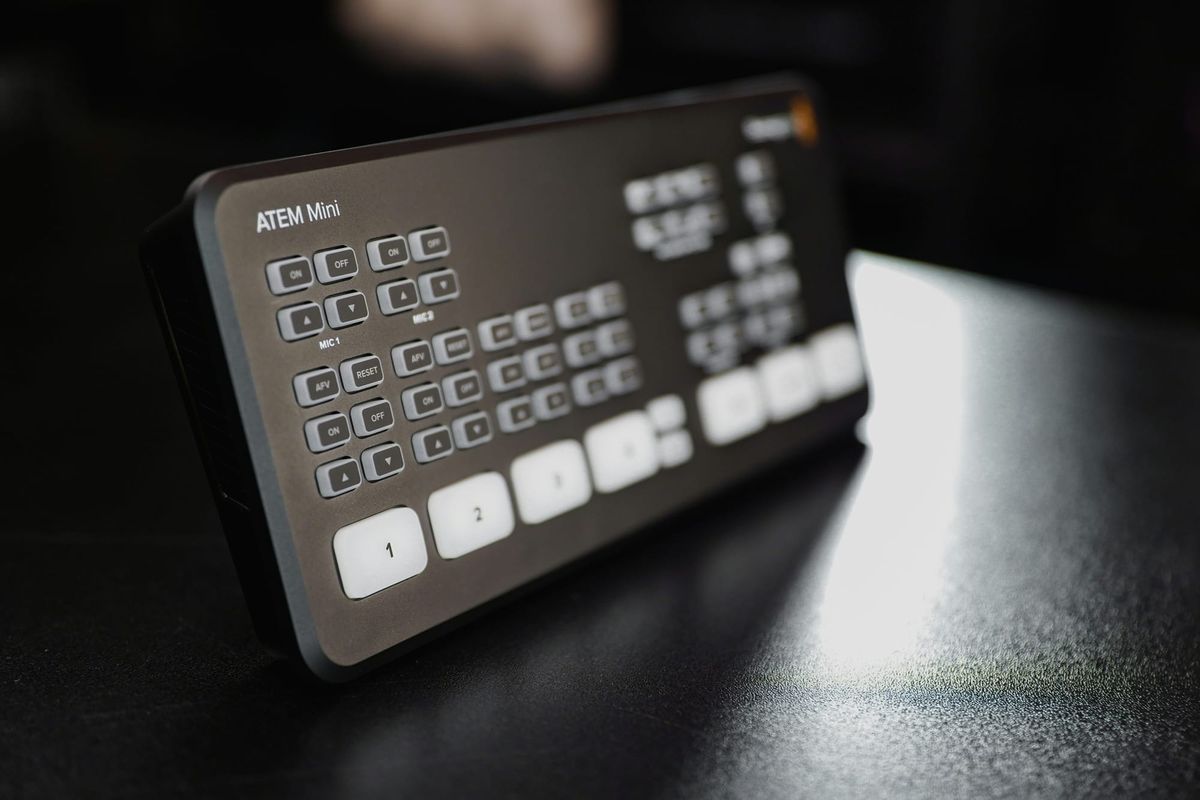
In addition to the mobile-centric Apple Watch update, Blackmagic Camera 3.3 introduces support for ATEM camera control. When used in conjunction with the Blackmagic Camera ProDock, an iPhone can now function as a live studio camera within a multi-camera broadcast environment. This allows a technical director to remotely adjust the iPhone's ISO, shutter angle, and color balance from an ATEM switcher, a level of integration typically reserved for dedicated studio cameras.
The update also brings compatibility with Blackmagic’s hardware Focus and Zoom Demands. These professional accessories can be mounted to tripod handles, giving the operator tactile, broadcast-style control over the iPhone’s digital lenses. By combining these hardware and software updates, Blackmagic is shifting the iPhone from a standalone recording device to a manageable component of a larger production pipeline.
Advanced Stabilization and Performance Improvements
Beyond new control interfaces, version 3.3 addresses technical stability and image quality. The update adds support for ProRes RAW stabilization, which helps mitigate the "micro-jitters" often associated with handheld mobile footage. This is particularly beneficial for creators using the telephoto lens, where even minor movements are magnified.
Further enhancements include full-screen portrait mode output via HDMI, catering to the growing demand for vertical video in commercial marketing and social media. As mobile technology continues to integrate with professional hardware, tools that simplify these complex workflows are essential for maintaining output quality while scaling production.
More about Blackmagic:
 Staff Report
 Staff Report
 Staff Report