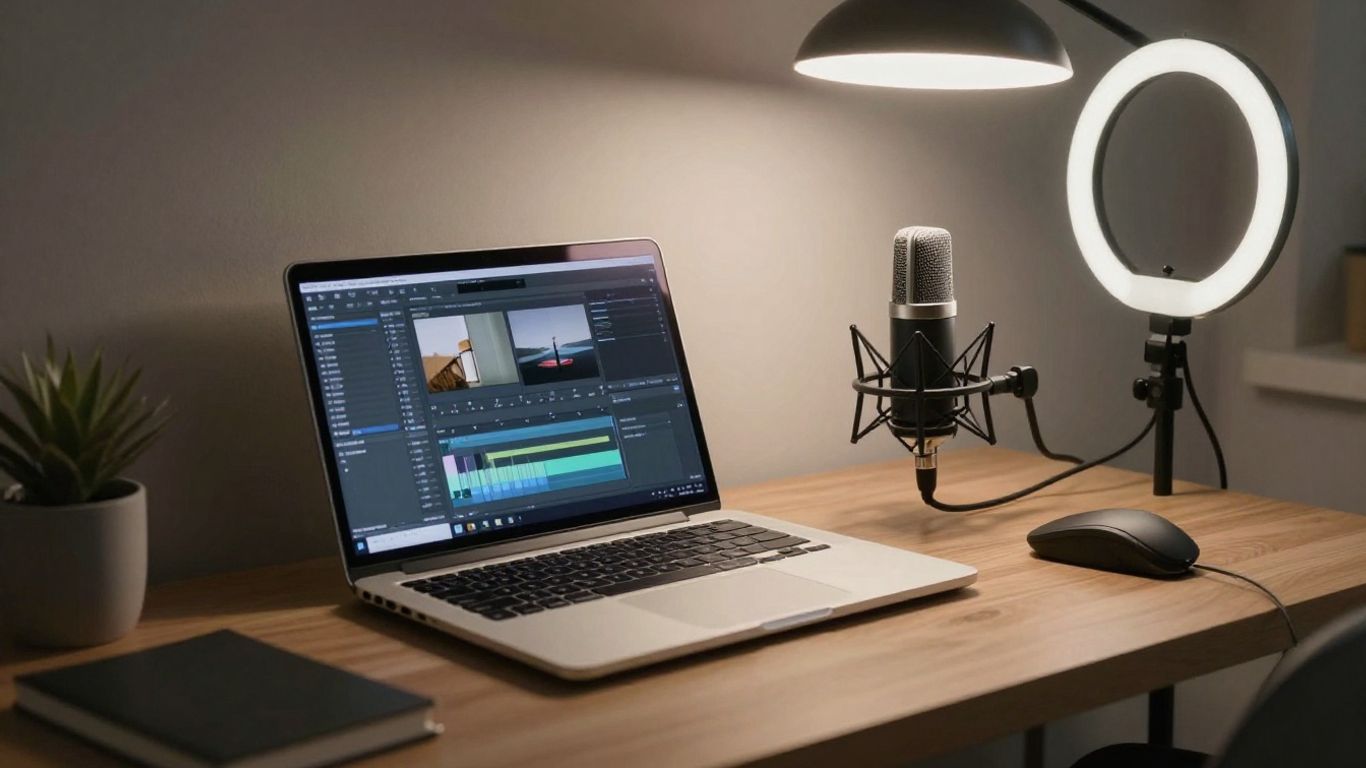
Creating a professional-looking video from home is more accessible than ever. You don't need a dedicated room, expensive equipment, or multiple monitors to get started. A simple, comfortable setup focusing on workflow and essential tools can empower you to produce polished content consistently. This guide breaks down how to establish an efficient home video editing studio without breaking the bank.
Why Create a Home Video Editing Studio?
A home video editing studio provides a dedicated space to focus, maintain consistency, and streamline your content creation process. Even a minimal setup can be powerful when paired with the right software.
A consistent workspace reduces friction, helps organize projects, and fosters a sustainable creative routine without requiring professional-grade gear.
Essential Components for Your Studio
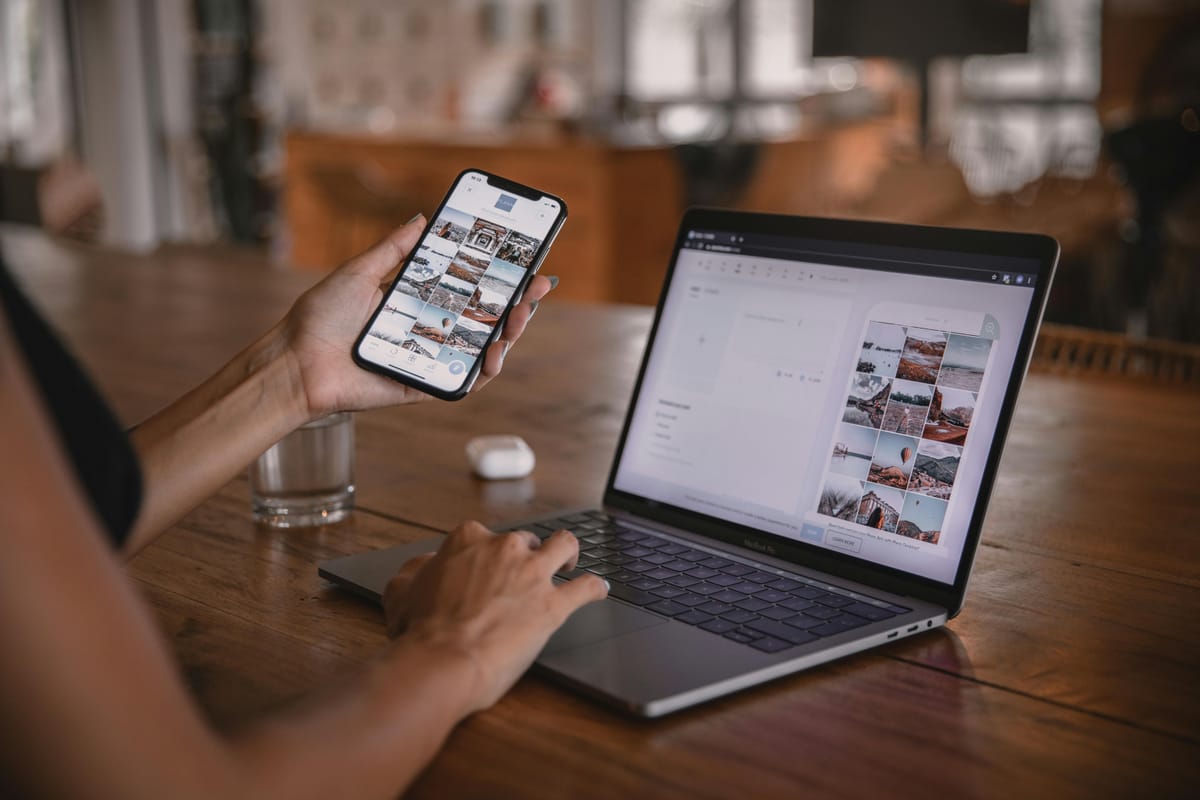
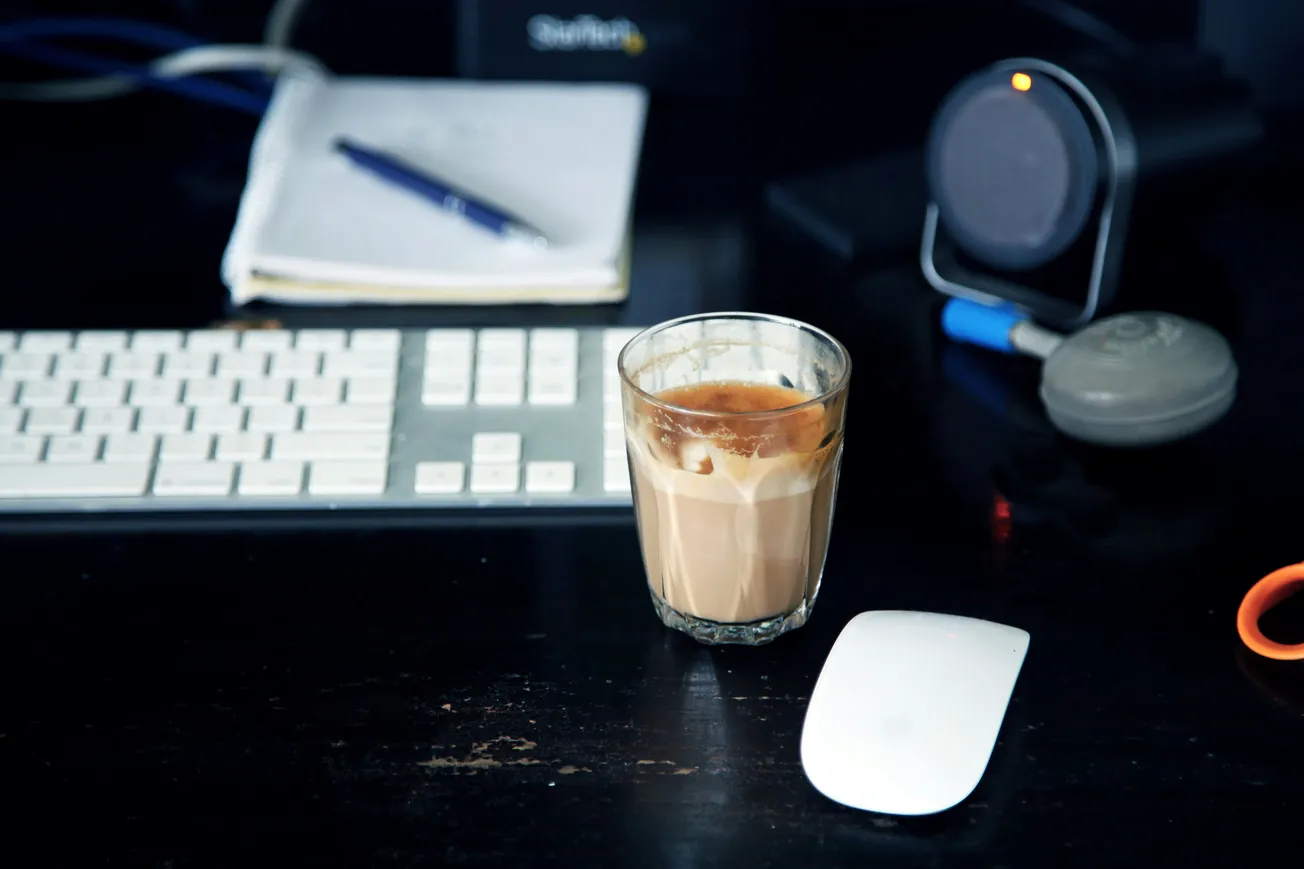
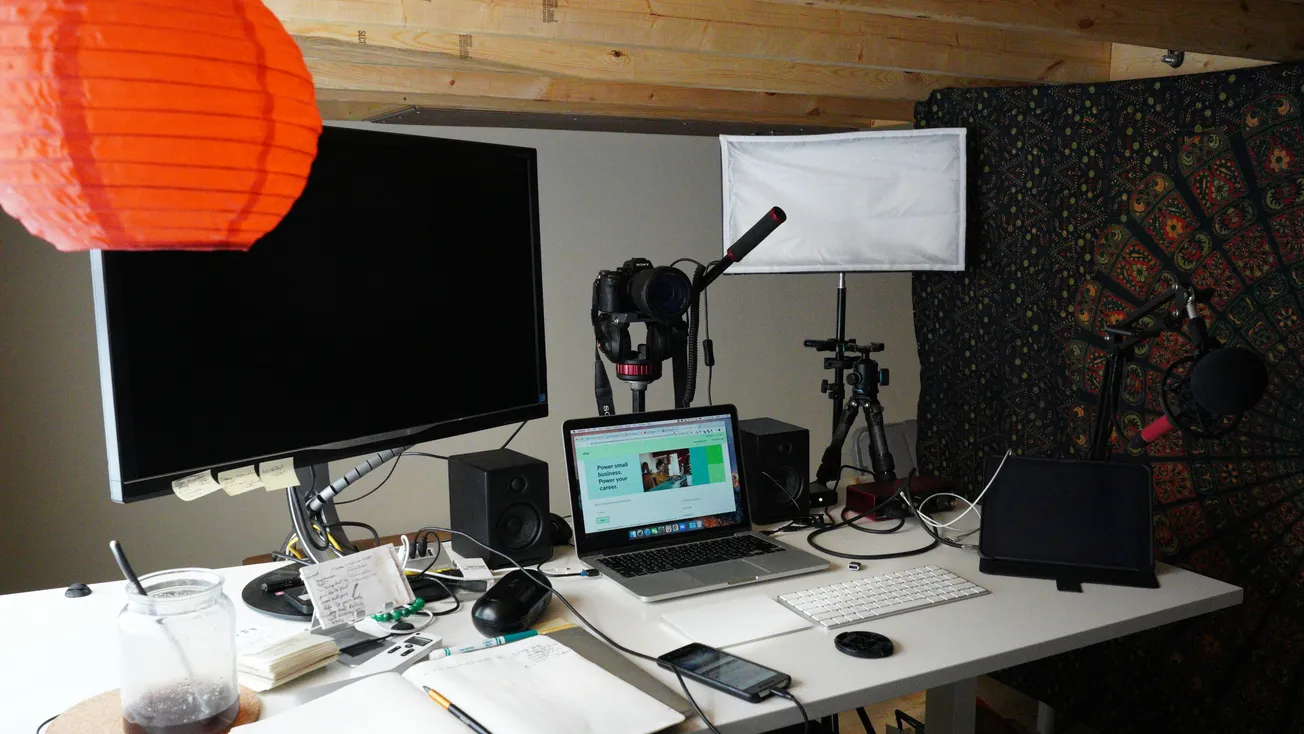
The core elements of a home video editing studio are surprisingly simple: a quiet and well-lit space, a functional laptop, comfortable seating, and basic headphones. Start with what you already own and consider small upgrades like an external mouse or drive if needed.
The emphasis should be on a distraction-free workflow and comfort.
Laptop Specifications for Editing
You don't need a top-tier machine for video editing. Look for a laptop with at least 8-16 GB of RAM, a Solid State Drive (SSD) for faster loading times, and a recent processor. Browser-based editors like Podcastle offload rendering to the cloud, meaning even mid-range laptops can handle editing tasks smoothly.
Optimizing Your Workspace
Choose a quiet spot with good lighting. Position your laptop screen at eye level to prevent neck strain.
Keep your desk clutter-free, with only essential items. Developing a simple routine, such as opening your project and plugging in headphones, can signal your brain that it's time to focus.
The Importance of Comfortable Seating
Invest in a chair that supports your back and maintains good posture during longer editing sessions. While an expensive ergonomic chair isn't necessary, look for one with good cushioning, a straight back, and adjustable height.
Simple posture tips, like taking short breaks and using a small pillow for lumbar support, can also make a significant difference.
Async (Podcastle): Your All-in-One Solution
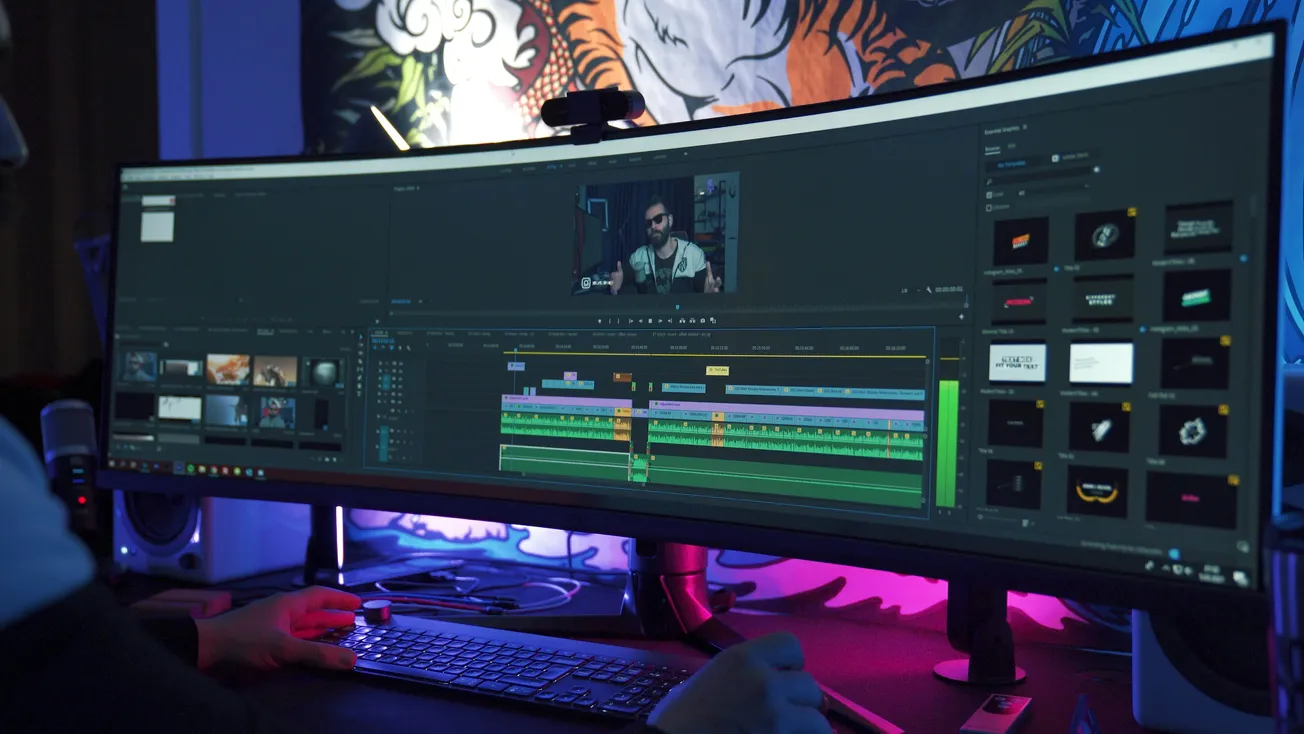
Browser-based editing platforms like Async (previously Podcastle) can act as your entire home studio. They allow you to upload footage, trim clips, add captions, adjust layouts, record voiceovers, and export polished videos directly in your web browser.
This eliminates the need for complex software installations and reduces the strain on your laptop's hardware.
Pro Tips for New Video Editors
- Start Small: Begin with short, simple projects to learn the basics.
- Use Templates: Leverage presets and templates to speed up your workflow and achieve professional results.
- Edit in Sessions: Keep editing sessions short and focused (20-40 minutes) to maintain energy and avoid fatigue.
- Stay Organized: Implement a clear folder structure for your files.
- Focus on Storytelling: Remember that good storytelling is more impactful than expensive equipment.
More about video editing:
 Staff Report
 Staff Report
 Staff Report