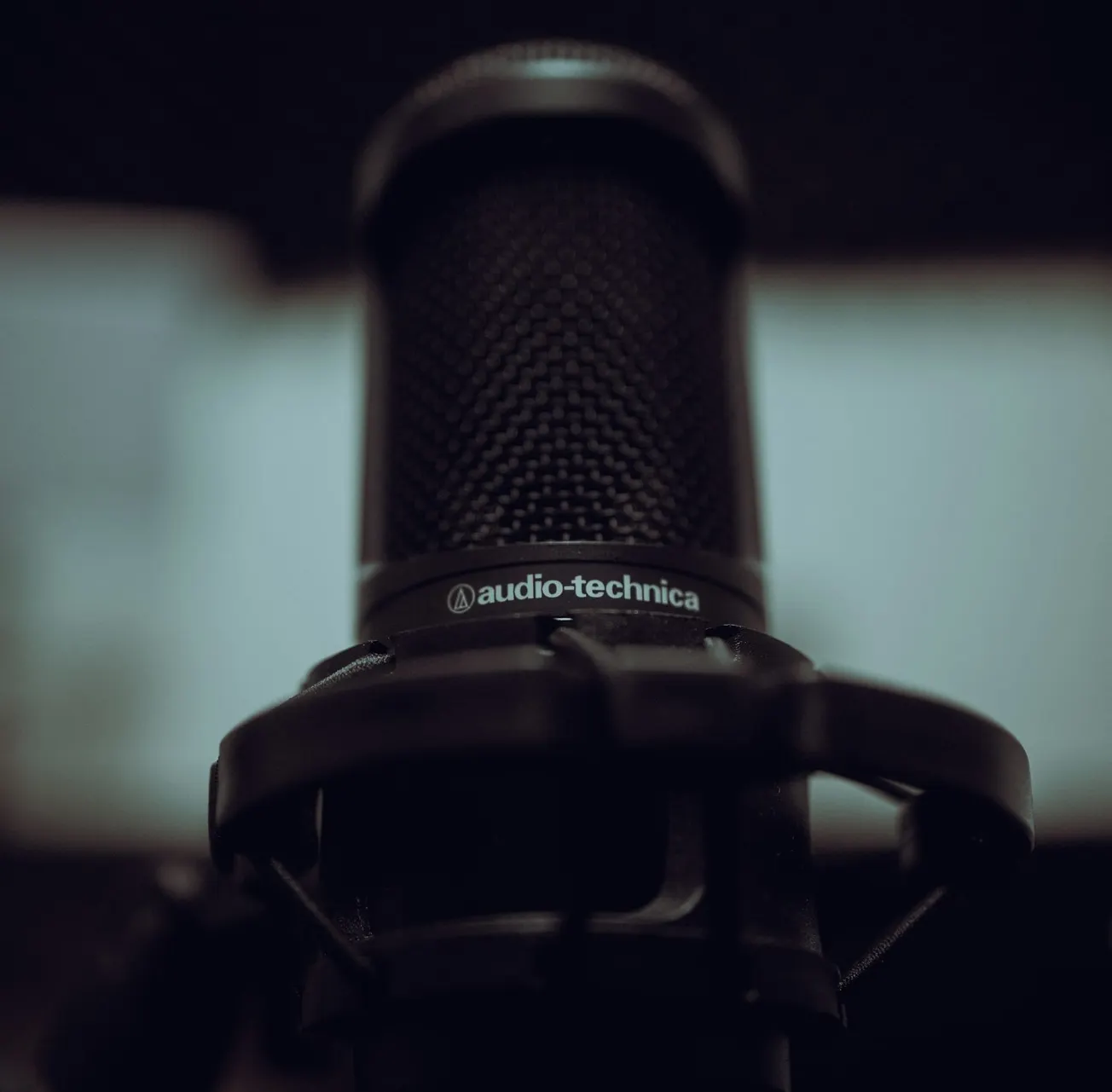
The Shure MV7 is a dynamic podcast microphone designed for creators who want clear, broadcast-style sound without a fully treated recording room. It connects by USB or XLR, works with computers and mobile devices, and includes simple controls and software for shaping your voice. It is not an SM7B replacement, but it gets surprisingly close in a more flexible package.
Key takeaways
- USB and XLR outputs make the MV7 useful for beginners and more advanced setups.
- Its dynamic design helps reduce room reflections, computer fans, and background noise.
- The Shure MOTIV app offers automatic and manual sound controls.
- It needs less gain than the SM7B and usually does not require a Cloudlifter or similar activator.
- The microphone sounds rich and clear, though it has a few small weaknesses, including plosives and a USB Micro connector.
A practical microphone for home recording
The MV7 is aimed at podcasters, streamers, remote workers, and video creators who need good speech recording without building a studio. That makes sense for many modern creators. A lot of people record at a desk, in a spare room, or directly in front of a computer screen. Those spaces are rarely acoustically treated.
Because the MV7 is a dynamic microphone, it does not capture as much reflected sound as a typical condenser microphone. That helps reduce the echo caused by walls, windows, and a nearby monitor. It also does a decent job of rejecting background noise, including air conditioning and computer fans.
In practical terms, this is one reason the MV7 fits the kind of real-world production workflows covered by PodcastVideos.com. You can use it for a podcast, a video voiceover, a live stream, or an online meeting without needing a perfect room first.
USB and XLR connectivity
The biggest advantage of the MV7 is its flexibility. You can connect it directly to a Mac, PC, or mobile device using USB, then move to a more traditional audio interface later through XLR.
The microphone includes cables for both USB-A and USB-C connections. It also includes a 3.5 mm headphone output for direct monitoring. In testing, it was able to drive even relatively demanding studio headphones without trouble.
That makes the MV7 a good fit for several types of users:
- New creators who want a simple USB setup.
- Podcast producers who need direct headphone monitoring.
- Video professionals who may eventually move to an audio interface.
- Businesses and remote teams looking for better sound on calls.
The one drawback is that the microphone uses USB Micro rather than USB-C. It works, and the required cables are included, but USB Micro feels less durable and less current than the connector used by many newer devices.
Sound compared with the Shure SM7B
The MV7 has a similar broadcast character to the much more expensive Shure SM7B. It does not sound exactly the same. The SM7B has more low-end weight and a slightly warmer, fuller quality. That can sound impressive, but too much low end can also make speech less clear.
The MV7 rolls off some of that richness while keeping enough body for a pleasant voice recording. For many speakers, this may actually make dialogue easier to understand.
There is also a major difference in gain requirements. The SM7B needs a strong preamp and often benefits from a microphone activator such as a Cloudlifter or FetHead. The MV7 reached similar levels with about 6 dB less gain in testing. That can be enough to avoid buying extra hardware.
Controls and the Shure MOTIV app
The touch controls on the microphone let you adjust microphone gain, headphone volume, and mute. The mute feature is particularly useful during meetings or live sessions. Instead of hunting for a software mute button, you can tap the microphone.
The touch surface was not always perfectly responsive, but it worked with a light touch. The app is the more useful control center, especially for people who want to adjust the sound in detail.
Automatic mode
Auto level mode adjusts the input level based on your distance from the microphone. You can also choose a tone setting:
- Dark for bright or sharp voices
- Natural for a balanced default sound
- Bright for darker voices that need more articulation
This is a helpful approach for anyone who does not know much about compression, EQ, or microphone gain.
Manual mode
More experienced users can adjust the microphone gain, monitor mix, EQ, high-pass filter, presence boost, compressor, and limiter. The high-pass filter can reduce low rumble from a desk, HVAC system, or nearby equipment. The presence boost adds clarity when a voice sounds too soft or dark.
The compressor is useful for evening out speech and making quieter parts a little more present. Light and medium settings are likely to work well for most voices, while the heavy setting can sound overdone. Custom presets can be saved, which is handy if you use the same setup for every recording.
Drawbacks to consider
The MV7 is not perfect. Its digital limiter did not always prevent distortion when the input became very loud. It kept the signal from reaching full scale, but some harshness could still come through.
The microphone is also somewhat prone to plosives, especially when speaking very close and using words with strong P and B sounds. Staying a little farther back, adding a pop filter, or replacing the standard foam cover with the larger Shure SM7B windscreen can help.
There is no dedicated shock mount, so desk noise can travel into the recording. Typing, tapping, or bumping the stand may be audible. A boom arm attached away from the main desk can provide better isolation than a basic desktop stand.
The microphone did perform well against radio frequency interference. A phone placed directly against it produced some interference, but normal use did not create a noticeable problem.
Final assessment
The Shure MV7 is a strong option for podcasting, streaming, video production, and online calls. It sounds close enough to the SM7B to offer a similar style, while being easier to connect and more forgiving of modest audio equipment.
For beginners, the USB connection and MOTIV app keep the setup simple. For experienced producers, the XLR output leaves room to add an interface and use more advanced processing later.
It is not the richest-sounding broadcast microphone available, and the limiter, plosive control, and USB Micro port could be better. Still, for creators working in untreated rooms, the MV7 offers a useful mix of sound quality, noise rejection, control, and upgrade potential. At its price point, it remains a very practical microphone for everyday production.