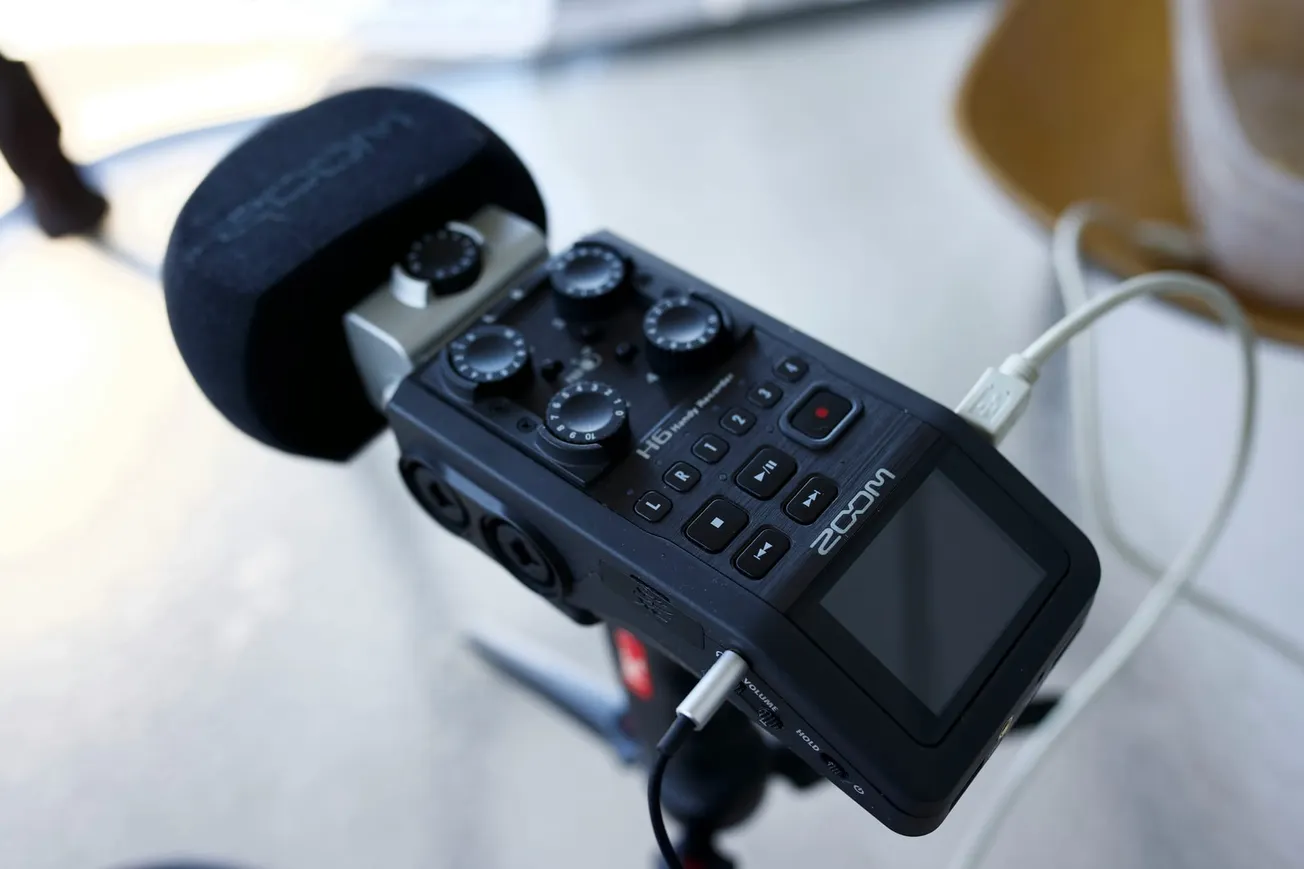
The Zoom H1essential has established itself as a cornerstone for accessible field recording, primarily due to its 32-bit float technology and built-in voice guidance for visually impaired users. Recent firmware updates, specifically versions 2.00 and 2.10, have significantly expanded the device's capabilities, moving it beyond a simple "set and forget" recorder. These enhancements focus on reducing post-production friction by integrating intelligent processing and more flexible file formats directly into the hardware.
AI Noise Reduction and Input Gain Control
Perhaps the most notable addition in the Version 2.00 update is the AI Noise Reduction function. This feature allows the recorder to analyze the acoustic environment and suppress steady background noises such as air conditioning hum, traffic, or computer fans. For podcasters and interviewers working in untreated rooms, this provides a cleaner signal at the source, potentially saving hours of restorative editing.
Accompanying this is a new Input Gain Adjustment function. While the 32-bit float architecture of the H1essential technically eliminates the risk of digital clipping, the ability to adjust input gain during recording allows for better monitoring and a more consistent "level" for the initial file. This ensures that the audio hitting the headphones is at a comfortable volume and that the resulting waveform is easier to manage in a digital audio workstation (DAW) without excessive normalization.
Expanded Format Support: MP3 Recording and Export
While high-fidelity WAV files are the standard for professional production, they often result in large file sizes that are difficult to share quickly. The new firmware introduces the ability to record and play back MP3 files directly on the H1essential. Additionally, users can now export existing recordings to MP3 format within the device.
This update is particularly valuable for educators and journalists who need to send files to collaborators immediately after a session. By reducing the file size at the point of export, creators can bypass the need for a computer to compress files before distribution. This aligns with the broader industry trend of "mobile-first" workflows where speed and connectivity are as important as raw audio quality.
Refining Accessibility and Stability
The Essential series is distinguished by its deep commitment to accessibility, and recent updates continue to refine this experience. Version 2.10 specifically addressed a critical bug where the device could freeze if the system firmware was updated without a corresponding update to the accessibility guide files. Zoom has since streamlined the installation process for these guide sounds, which provide audible menu descriptions in multiple languages including English, Spanish, French, and Japanese.
A shortcut function to toggle the guide sound on or off has also been implemented, allowing users to quickly adapt the device's feedback to their current environment. These small but meaningful iterative changes ensure that the H1essential remains one of the most inclusive tools in the media production market.
Maintaining Performance and Bug Fixes
Beyond new features, the latest firmware versions resolve technical issues that could impact professional reliability. Previous versions occasionally experienced issues with file normalization when recording long sessions that spanned multiple files. The latest updates ensure that normalization and export functions apply correctly across the entire recording. Furthermore, a fix was implemented for the line-out jack to prevent clipping when monitoring loud input sources, ensuring that the signal sent to cameras or external monitors remains clean.
For creators looking to update their devices, the process requires a microSD card and a connection to the Zoom support website. It is essential to ensure that both the system firmware and the accessibility files are updated in tandem to maintain full functionality.