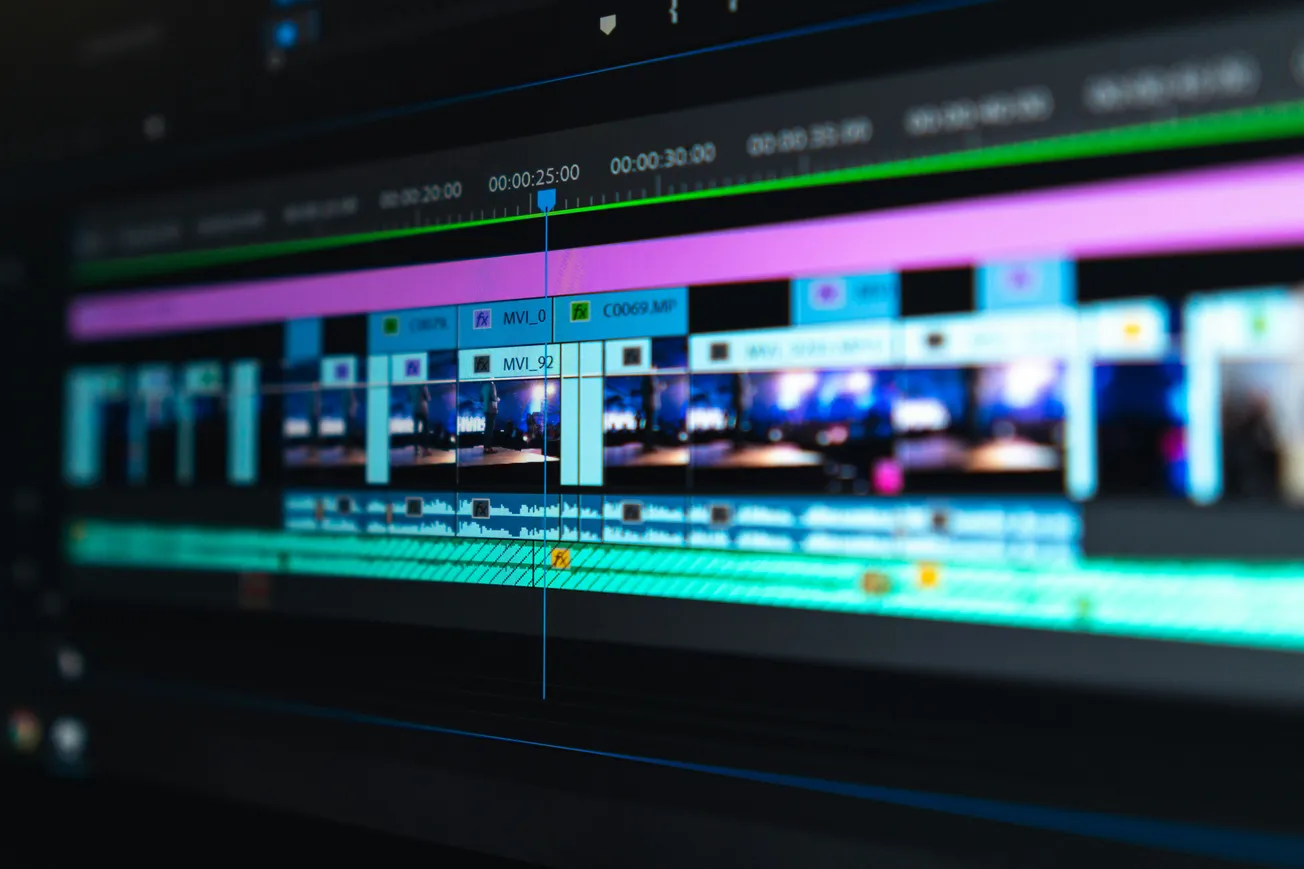
Video content is taking the internet by storm, whether you’re making YouTube videos, podcasts with visuals, or social media shorts.
The challenge? Video editing can feel complex and overwhelming with so many tools on the market.
For creators and businesses alike, choosing the right video editing software is essential to realizing your vision efficiently and professionally. This guide breaks down top video editors, helping you understand their strengths so you can pick one that suits your workflow and budget.
Standalone Software vs Online Editors
Choosing between downloadable software and web-based editors is a fundamental first step. Standalone software offers powerful, speedy editing and full control without the need for internet. These are ideal for long-form projects but often come with steep learning curves and higher costs.
Online editors, meanwhile, process your projects in the cloud, reducing your hardware needs and often including AI-assisted features like transcription and clip repurposing. They’re perfect for fast editing of shorts or podcasts but may lag when handling detailed, large videos.
Top Video Editing Software for Creators
Adobe Premiere Pro
Considered the industry standard on PC, Adobe Premiere Pro excels with its comprehensive features and speed. While powerful, it presents a steep learning curve and offers minimal assistance. It requires a subscription ($28/month standalone or $48/month with Creative Cloud) but benefits from a huge support community and extensive tutorials.
Filmora
Filmora strikes a balance between power and ease of use. It includes built-in music and video stock libraries, AI transcription, and stylish templates, making it great for creators wanting quick polish without mastering every detail. Pricing offers both one-time purchase ($99) and annual subscription ($69) options.
Final Cut Pro
Mac users often gravitate toward Final Cut Pro, which matches Premiere’s power with a one-time fee of $299. It’s equally powerful but demands time investment to master. Its lack of automation keeps full creative control in your hands, with no subscription needed.
Camtasia
Perfect for educators or creators working mostly with screen recordings and webinars, Camtasia simplifies capturing and annotating your screen with overlays. Priced at a $299 perpetual license, it’s ideal for tutorial-based content but less suited for traditional multi-clip editing.
Veed
Veed is a robust online editor ideal for clipping and repurposing content into social media shorts. It offers AI transcription, subtitling, and a large template library. It has free and tiered monthly plans with the complete suite capped at $59/month. Best for quick, assisted edits rather than long, detailed projects.
FlexClip and Movavi
FlexClip shines with beginner-friendly drag-and-drop editing, AI tools for script and video matching, and options to turn blog posts into videos. Movavi offers a similar easy entry point with AI-powered noise removal and subtitle generation. Both provide flexible pricing and user-friendly features for creators who want less complexity.
Conclusion
Choosing video editing software is about balancing power, ease, budget, and project type. Adobe Premiere and Final Cut remain best for full control and long-form content, while Filmora and Veed offer efficiency and AI assistance for faster turnaround. Camtasia serves educators uniquely well, and newer contenders FlexClip and Movavi bring fresh AI-powered simplicity.
Your next step: explore tutorials, try free versions, and pick the editor that fits your style and workflow. For more deep dives into creative tools, visit a trusted resource like The Podcast Host's guide.
More about video software:
 Staff Report
 Staff Report
 Staff Report