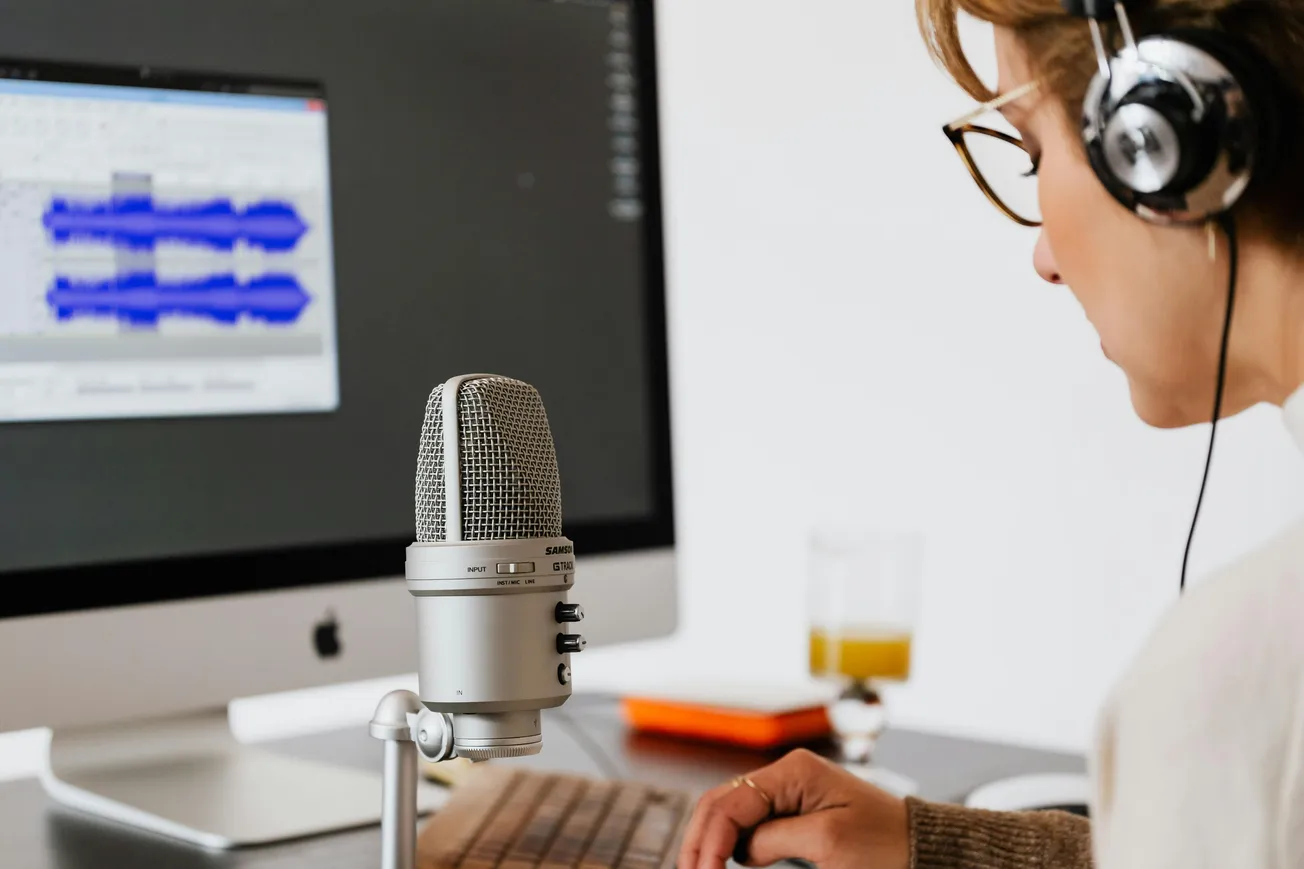
In podcasting today, editing isn’t just a necessary step—it’s a strategic advantage. With the rapid adoption of AI and new hybrid workflows, the right editing software can dramatically improve audio quality, speed up production, and help your show stand out.
Choosing the best tool depends on your experience level, format (audio vs. video), and production goals. Here’s an up‑to‑date guide to the top podcast editing platforms podcasters are using in 2026.
Why Editing Still Matters
Editing transforms raw recordings into professional, polished episodes. Removing noise, balancing levels, tightening pacing, and enhancing clarity all contribute to listener engagement and retention—key factors in a crowded podcast landscape.
High‑quality editing signals professionalism and elevates your brand.
Top Podcast Editing Software for 2026
- Riverside — Best All‑in‑One for Audio and Video
Riverside remains a leading choice for podcast creators who want a seamless workflow from recording to editing. It supports remote multitrack recordings with uncompressed audio and AI‑powered features like automated transcription and noise reduction.
The platform also generates short clips ready for social sharing, making it a full suite for today’s hybrid audio‑video shows.
- Descript — Best for Text‑Based Editing and Speed
Descript continues to define modern podcast editing with its text‑first workflow. Instead of working with waveforms, you edit your transcript—deleting filler words and tightening dialogue as if editing a document. Advanced AI tools handle noise removal, filler word elimination, and even voice cloning, making it a favorite for fast turnaround and repurposing content.
3. Adobe Audition — Best for Professional Audio Control
Adobe Audition remains a powerhouse DAW with deep audio restoration, spectral editing, and mix capabilities. It’s ideal for creators who demand broadcast‑quality sound and precise control over every element of the audio mix. Its integration with Adobe Creative Cloud also helps hybrid creators working across audio and video.
- Audacity — Best Free Option
Audacity is still a go‑to free editing tool for beginners or budget‑conscious creators. It offers robust basic editing features including trimming, noise reduction, and multitrack recording. While its interface is more traditional, Audacity’s flexibility and zero cost make it a highly accessible choice.
- GarageBand — Best for Apple Users and Mobile Editing
For creators in the Apple ecosystem, GarageBand provides a powerful mobile and desktop solution. Its multitrack features and ease of use make it great for editing on the go or for podcasters who prefer a simpler, intuitive interface.
- Hindenburg Journalist / PRO — Best for Narrative Storytelling
Designed specifically for spoken‑word content, Hindenburg offers automated voice leveling, intuitive segment assembly, and smart workflow tools. It suits interview‑driven podcasts and long‑form storytelling formats.
- Reaper — Best for Customizable Power Users
Reaper is a flexible DAW with virtually unlimited customization and plugin support. Its one‑time purchase model appeals to creators who want professional tools without subscription fees. Many pros pair Reaper with Descript for a hybrid workflow (text‑first edits in Descript and final mix in Reaper).
Choosing the Right Software for You
When selecting your podcast editing platform, consider:
- Skill level: Beginners may prefer intuitive, automated tools.
- Format: Video podcasts benefit from tools like Riverside and Descript.
- Budget: Free options like Audacity or GarageBand still deliver solid results.
- Workflow: Hybrid workflows (e.g., Descript + Reaper) combine speed and precision.
Conclusion
The podcast editing landscape in 2026 is richer and more powerful than ever, thanks to AI, intuitive interfaces, and flexible platforms. Whether you’re producing long‑form interviews, narrative series, or video‑heavy shows, there’s software tailored to your needs.
Explore these tools, experiment with workflows, and choose what lets you tell the best version of your story.