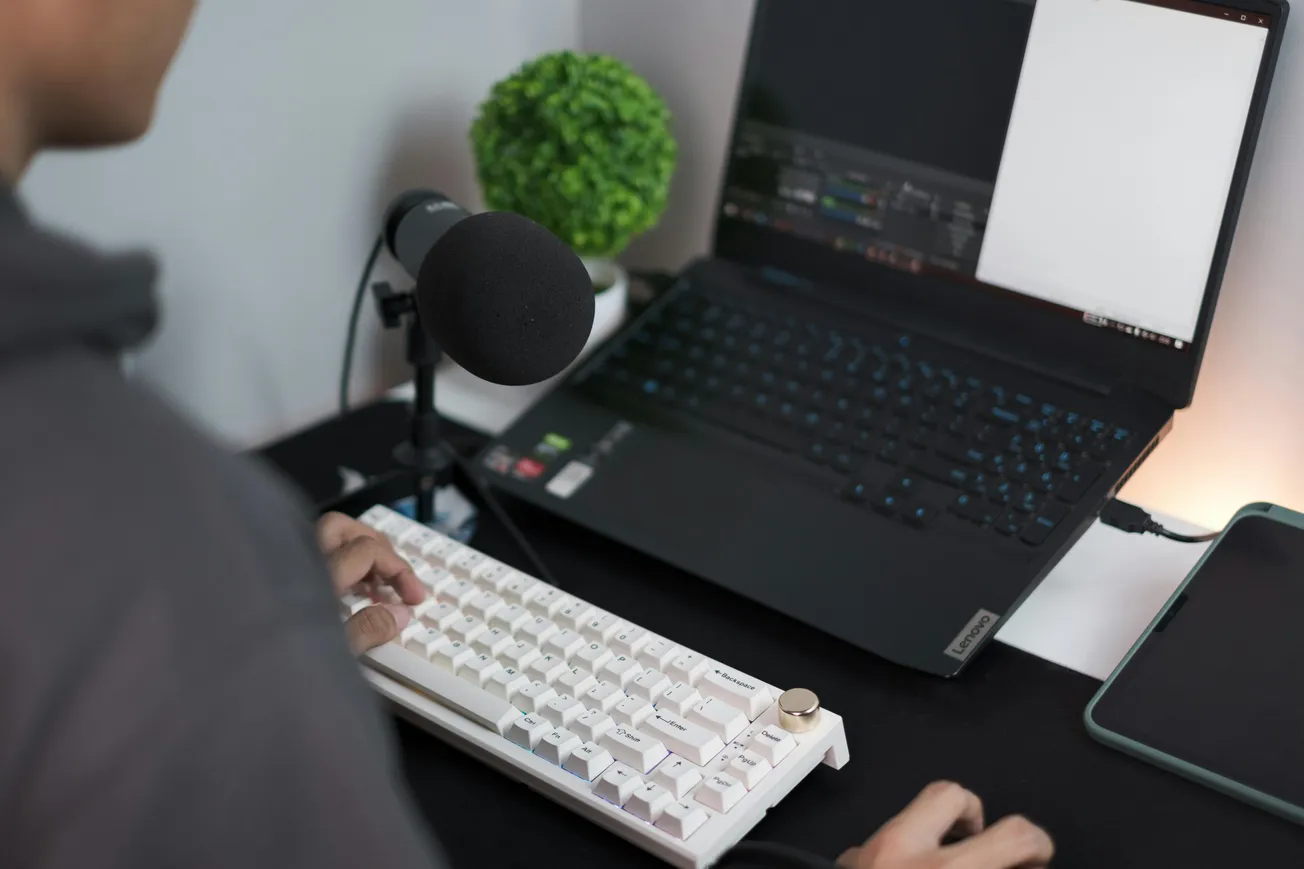
Whether you’re a podcaster, musician, or content creator, your home recording setup can make or break your audio quality. The good news? You don’t need a studio or a huge budget to get a clean, professional sound.
Here are five quick tips you can implement this weekend:
- Control Your Room’s Acoustics – Hard surfaces create echoes. Use blankets, pillows, or DIY foam panels to reduce reflections. Even small adjustments near your microphone can dramatically improve clarity.
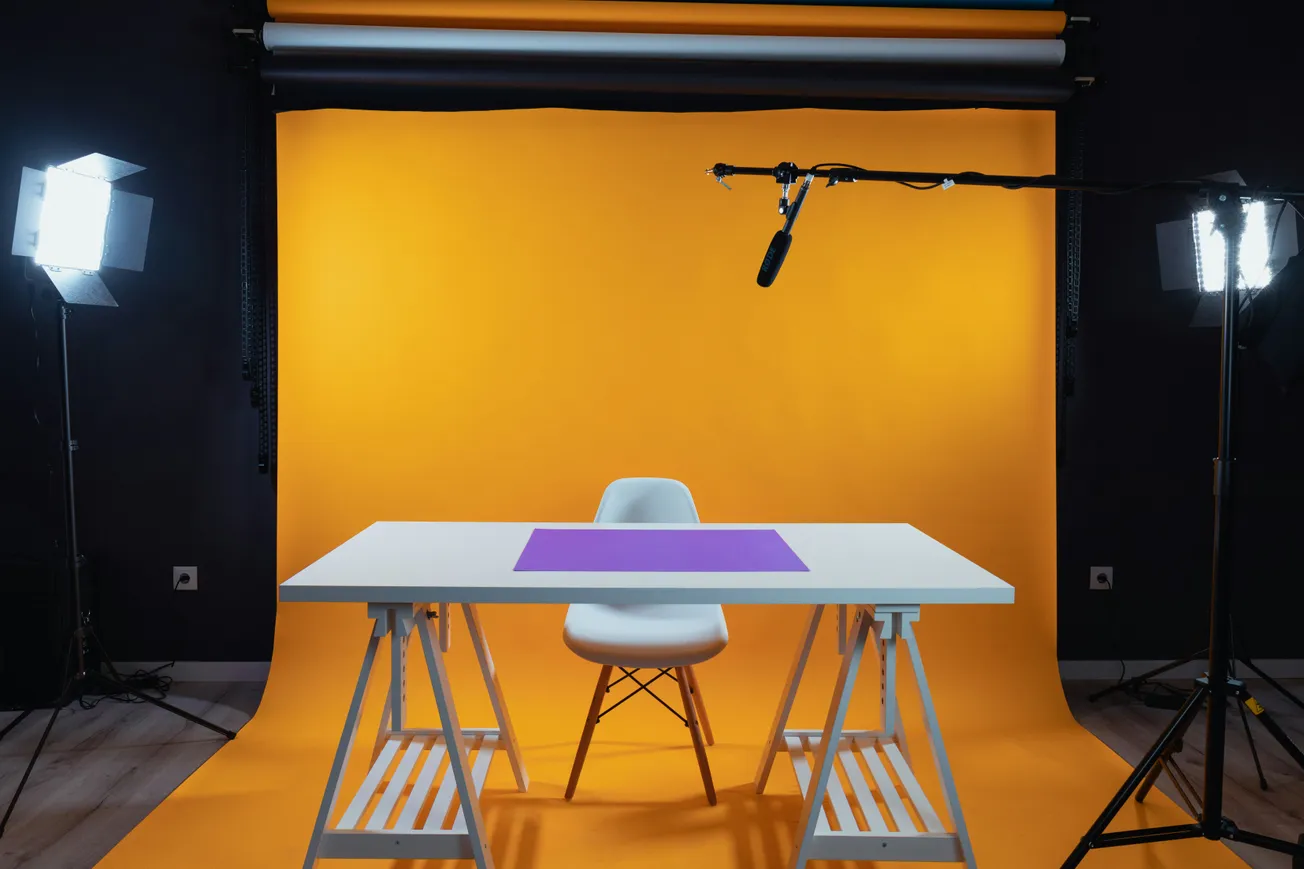
- Mic Placement Matters – Position your microphone slightly off-axis from your mouth or instrument to reduce harsh plosives and sibilance. A pop filter or foam windscreen also helps.
- Invest in a Simple Interface – USB audio interfaces like the Focusrite Scarlett 2i2 or PreSonus AudioBox give your computer a clean, high-quality signal without breaking the bank.
- Record at Optimal Levels – Aim for peaks around -12dB to -6dB in your DAW. Too hot, and your audio clips; too low, and noise dominates when boosting later.
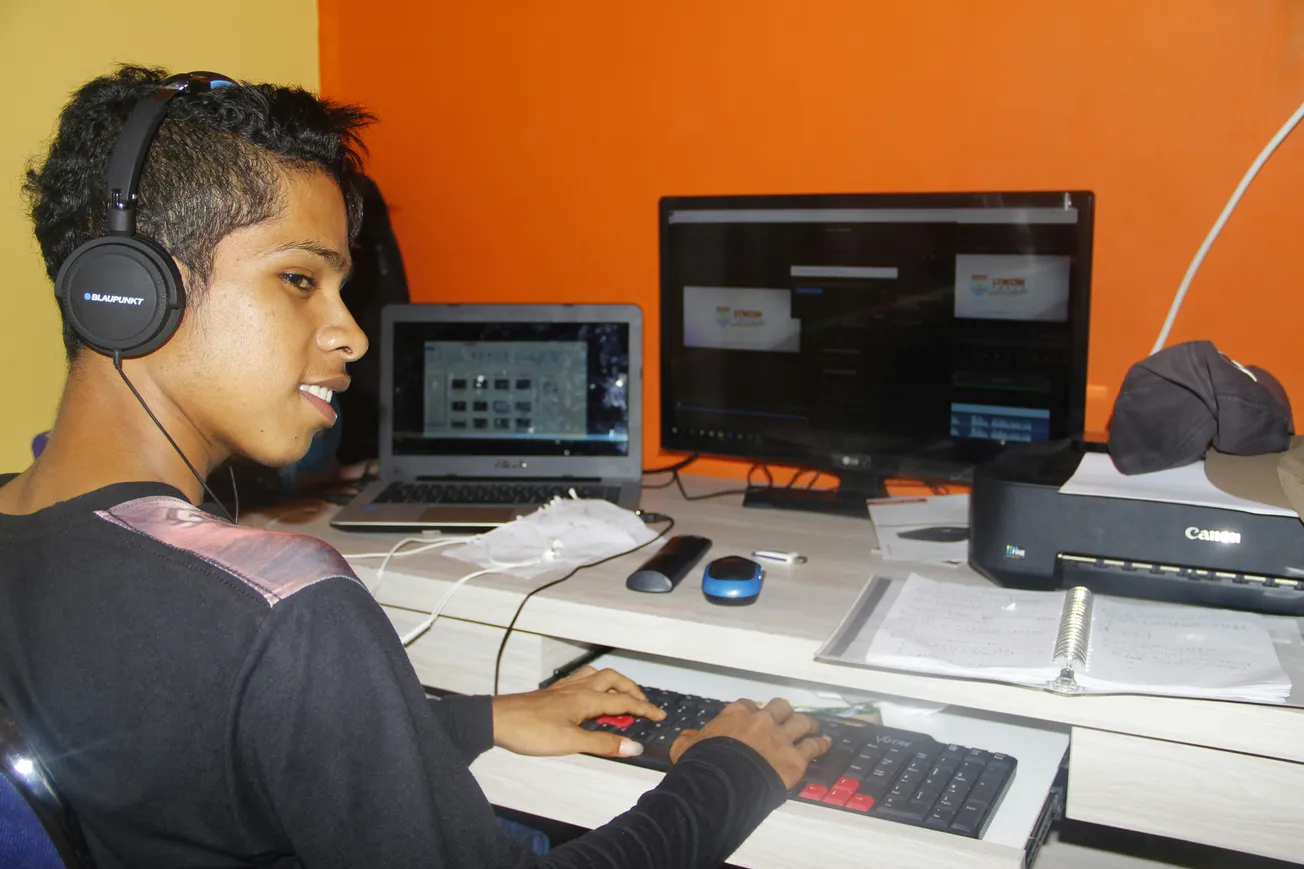
- Monitor Smartly – Use headphones or near-field monitors for mixing, and always test your recordings in multiple listening environments to catch inconsistencies.
Bonus: Use free noise reduction tools like Audacity or the AI-powered Krisp app to clean up background noise.
Small, deliberate changes can transform your recordings in hours, not weeks. Even if you’re just starting, these tweaks will make your content sound more polished and professional — ready to upload and impress your audience this weekend.