In the world of professional audio and video production, data loss is not a matter of if, but when. For creators and businesses, the digital assets stored on a computer represent hundreds of hours of labor, significant financial investment, and intellectual property. Yet, many production workflows remain vulnerable to hardware failure, software corruption, or accidental deletion. Protecting the audio on your computer requires more than just an occasional manual copy; it demands a systematic approach to data redundancy.
Production experts often warn that relying on a single drive—even a high-performance Internal SSD—is a high-risk strategy. Solid-state drives, while faster and more resistant to physical shock than traditional spinning disks, often fail without warning and are significantly more difficult to recover data from. To eliminate friction and ensure business continuity, creators must adopt the industry-standard 3-2-1 backup rule: three copies of your data, on two different media types, with one copy kept off-site.
The Foundation of the 3-2-1 Backup Rule
The most effective way to secure audio projects is to maintain three separate copies of every file. The primary copy is the one you work on daily. The second should be a local clone or backup on an external hard drive, often facilitated by automated software like Time Machine for macOS or File History for Windows. This local copy provides immediate recovery options for accidental deletions or minor system crashes.
The third copy is the most critical for catastrophic protection: the off-site backup. Traditionally, this involved physical drives kept in a different building, but modern cloud storage solutions have made this process nearly seamless. By using services designed for large media files, creators ensure that their work is protected against physical theft, fire, or natural disasters that could destroy all local hardware simultaneously.
Automating Workflows to Eliminate Human Error
One of the biggest risks to audio data is the human element—forgetting to trigger a backup after a long day of recording. Professional production environments prioritize automation to remove this variable. Real-time syncing services can monitor project folders and upload changes the moment a file is saved. This "set and forget" mentality ensures that the most recent version of a podcast or marketing video is always safe.
However, it is important to distinguish between "syncing" and "backing up." Syncing services like Dropbox or Google Drive mirror your current folder state; if you accidentally delete a file or a virus corrupts a project, that change is synced across all devices. A true backup system maintains version history, allowing you to "roll back" to a previous state before the error occurred. For businesses, this distinction is the difference between a minor inconvenience and a total loss of progress.
Managing Large Media Assets and External Libraries
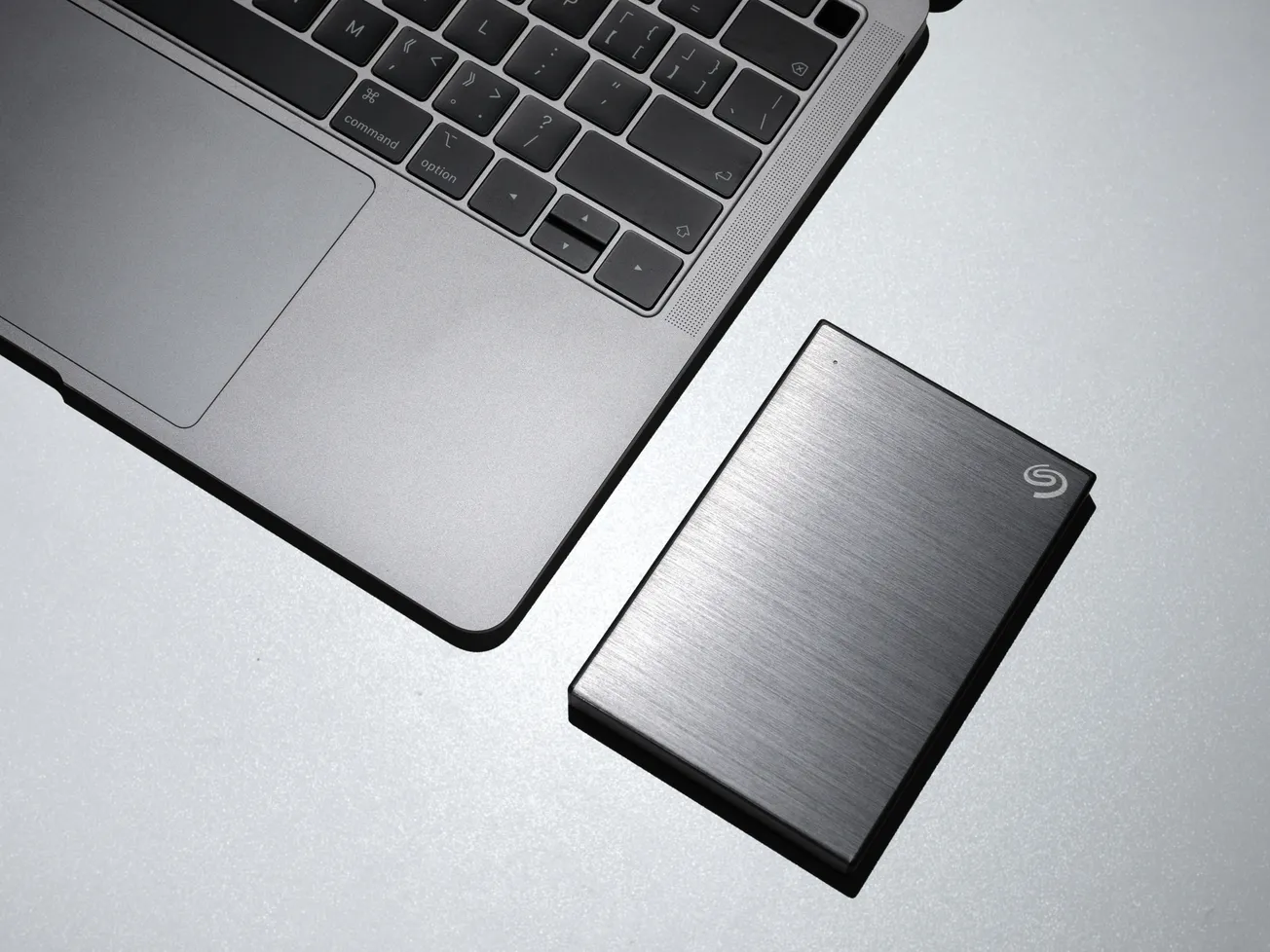
Audio and video files are notoriously large, quickly filling up internal storage and slowing down system performance. Many professionals mitigate this by using external "work drives" for active projects. While this keeps the computer's internal system healthy, it adds another layer of risk. External drives are prone to cable failures, accidental unplugging, and physical damage from being moved.
A robust backup strategy must include these external volumes. High-capacity Network Attached Storage (NAS) systems are becoming increasingly popular for small content teams, offering a centralized location for all media that can be automatically backed up to the cloud. This allows multiple editors or producers to access files without the friction of passing physical drives back and forth, while maintaining a rigorous security protocol.
Long-Term Archiving and Project Integrity
Once a project is published, the storage needs shift from high-speed access to long-term preservation. Archiving is the final step in a secure audio workflow. Before moving a project to deep storage, creators should perform a "consolidate" or "collect all files" function within their Digital Audio Workstation (DAW). This ensures that every individual recording, sample, and plugin setting is contained within the project folder.
Without this step, opening an archived project years later often results in "missing file" errors, rendering the work unusable. By treating data management with the same level of professionalism as the recording itself, creators build a resilient foundation for their brand.
More about recording:
 Staff Report
 Staff Report
 Staff Report