Integrating Professional Audio in a Video Ecosystem
The traditional workflow for high-end video production often involves a cumbersome process of exporting audio files to a dedicated Digital Audio Workstation (DAW), mixing the tracks, and then re-importing them back into a video editor. This process, known as round-tripping, introduces technical friction and increases the risk of sync errors or metadata loss. DaVinci Resolve has addressed this challenge by integrating Fairlight, a full-scale professional audio post-production suite, directly into its primary interface.
According to technical documentation from Blackmagic Design, Fairlight is engineered to handle massive projects with up to 2,000 tracks in real-time. For audio professionals, this means the ability to manage complex cinematic soundscapes or multi-track podcast recordings without leaving the video environment. This level of integration is particularly valuable for small businesses and content teams that need to maintain high output quality with limited turnaround time.
Advanced Mixing and Automation Capabilities
Fairlight provides a comprehensive set of tools that rival dedicated DAWs like Pro Tools or Nuendo. Every channel strip includes a six-band parametric equalizer, expander, gate, compressor, and limiter. The platform also supports sophisticated automation, allowing mixers to record fader movements and effect changes with precision. These features enable a level of "sweetening" that moves beyond basic volume adjustments to create professional, broadcast-ready audio.
A significant update in version 20 of DaVinci Resolve introduced IntelliTrack AI, which allows audio panning to automatically follow moving objects in a video frame. This advancement highlights how AI is being used to simplify technical tasks that previously required hours of manual keyframing. By leveraging these automated tools, creators can ensure that their audio is as immersive as their visuals, enhancing the overall impact of their storytelling.
Audio Restoration and AI-Powered Dialogue Tools
One of the most practical applications for Fairlight in a modern media workflow is its suite of audio repair tools. The platform includes dedicated plugins for de-essing, hum removal, and noise reduction. For creators working in less-than-ideal recording environments, the Studio version’s Voice Isolation and Dialogue Leveler tools use machine learning to separate spoken words from background noise, effectively saving recordings that might otherwise be unusable.
These restoration capabilities are essential for marketing and educational content where clarity is mandatory. When a business produces a video or podcast, the perceived authority of the brand is often tied to the technical quality of the audio. Having these tools integrated into the same software used for color grading and editing allows for a more cohesive and efficient post-production pipeline.
Collaboration and Scalability in the Cloud
Modern media production often requires collaboration between remote teams. Blackmagic Cloud support allows multiple users to work on the same project file simultaneously. A video editor can finalize the visual cuts on the Edit page while an audio engineer works on the final mix in the Fairlight tab. This simultaneous workflow eliminates the need for constant file transfers and ensures that everyone is working on the most current version of the project.
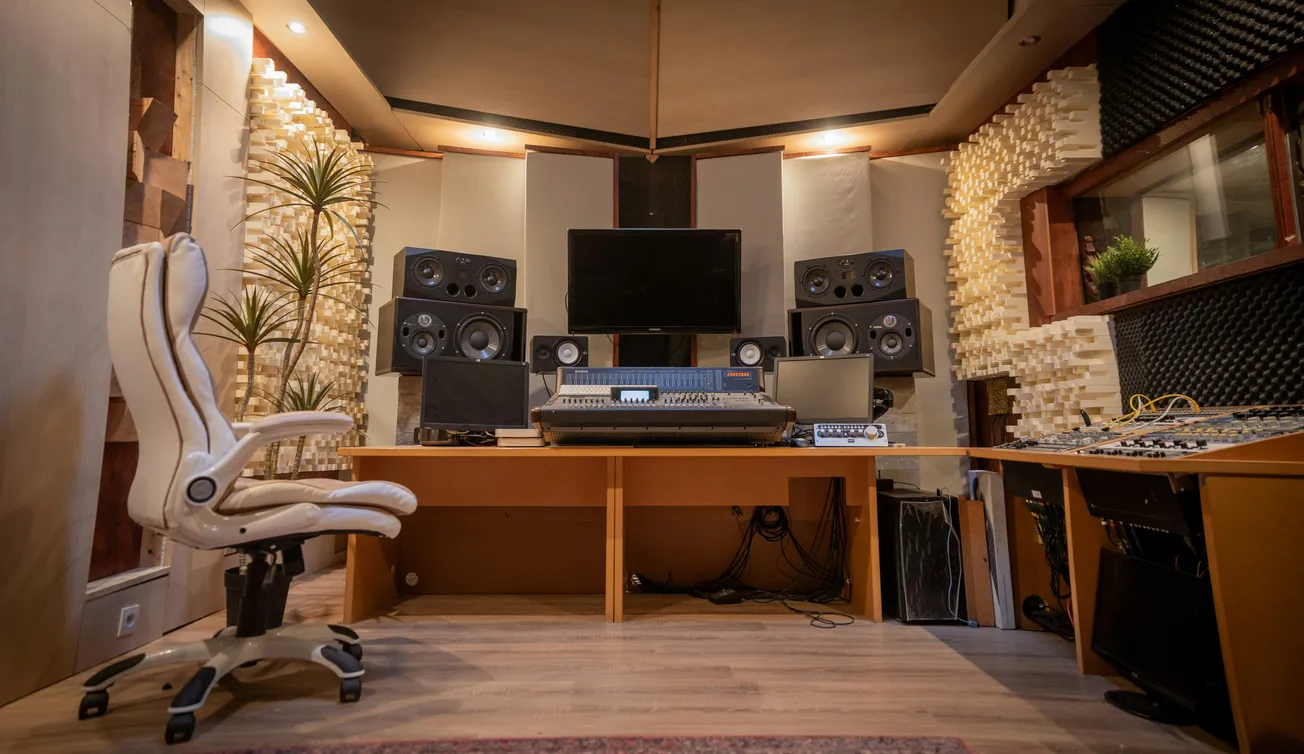
For professional facilities, Fairlight also scales to include dedicated hardware consoles and PCIe accelerator cards. This hardware integration provides tactile control and ultra-low latency performance required for scoring stages and high-end film mixing. Whether a creator is working on a single-screen laptop or a multi-bay mixing console, the software architecture remains consistent, providing a scalable solution for growing businesses.
The transition to using DaVinci Resolve for audio mixing represents a strategic move toward a more unified production environment. By reducing the complexity of the workflow, creators can focus more on the creative aspects of their projects and less on the technical hurdles of file management. For further guides on optimizing production workflows, creators can explore more about audio software and video equipment trends at PodcastVideos.com.
More about Blackmagic:
 Staff Report
 Staff Report
 Staff Report