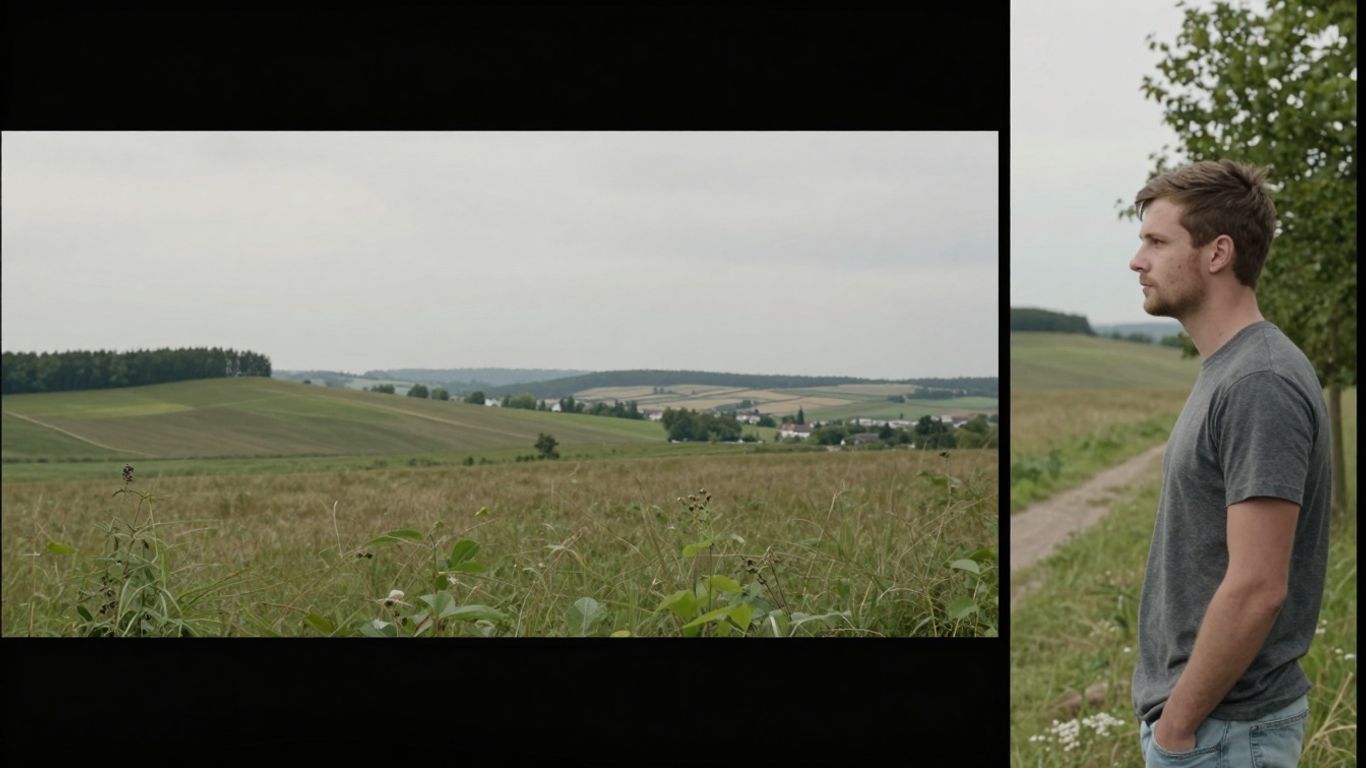
The days of tedious manual editing for horizontal-to-vertical video conversion are over. A new AI-powered solution, dubbed AI Reframe, is transforming how creators and businesses repurpose content.
This technology automates the process, allowing for rapid conversion of landscape videos into portrait formats, preserving visual quality and saving hours of work.
The Vertical Video Imperative
Modern social media platforms, including TikTok, Instagram Reels, and YouTube Shorts, are optimized for vertical viewing. This shift necessitates the conversion of existing horizontal content into portrait formats to maximize engagement and ensure a native viewing experience.
Manually cropping and keyframing videos for these platforms is time-consuming and often results in awkward framing, lost context, and inconsistent visual quality.
How AI Reframe Works
AI Reframe tackles this challenge by employing advanced artificial intelligence to analyze video content in real-time. Instead of static cropping, the AI detects key subjects, motion, and focal points, dynamically adjusting the frame to keep the most important elements visible.
This ensures that interviews, tutorials, screen recordings, and other video types are reframed accurately and efficiently, maintaining their visual appeal and narrative flow.
Streamlining Content Repurposing
AI Reframe offers a practical solution for repurposing a wide range of content. This includes transforming long-form YouTube videos into TikToks, converting webinars into short vertical clips, auto-reframing interviews, focusing on speakers in multi-person scenes, and adapting product demos for Instagram Reels.
The tool also aids in creating social ads in multiple formats, reframing behind-the-scenes footage, turning event recordings into highlights, and optimizing screen recordings for mobile viewing.
A Step-by-Step Conversion Process
Using AI Reframe is a straightforward process:
- Upload your horizontal video to the platform.
- Select the desired vertical aspect ratio (e.g., 9:16).
- Initiate the AI Reframe process.
- Optionally, fine-tune tracking or framing for specific needs.
- Enhance the video with additional AI features if desired.
- Add captions and branding for platform optimization.
- Export the final vertical video for social media platforms.
This streamlined workflow empowers creators to efficiently repurpose their existing video library, unlocking new content opportunities without the burden of extensive manual editing.