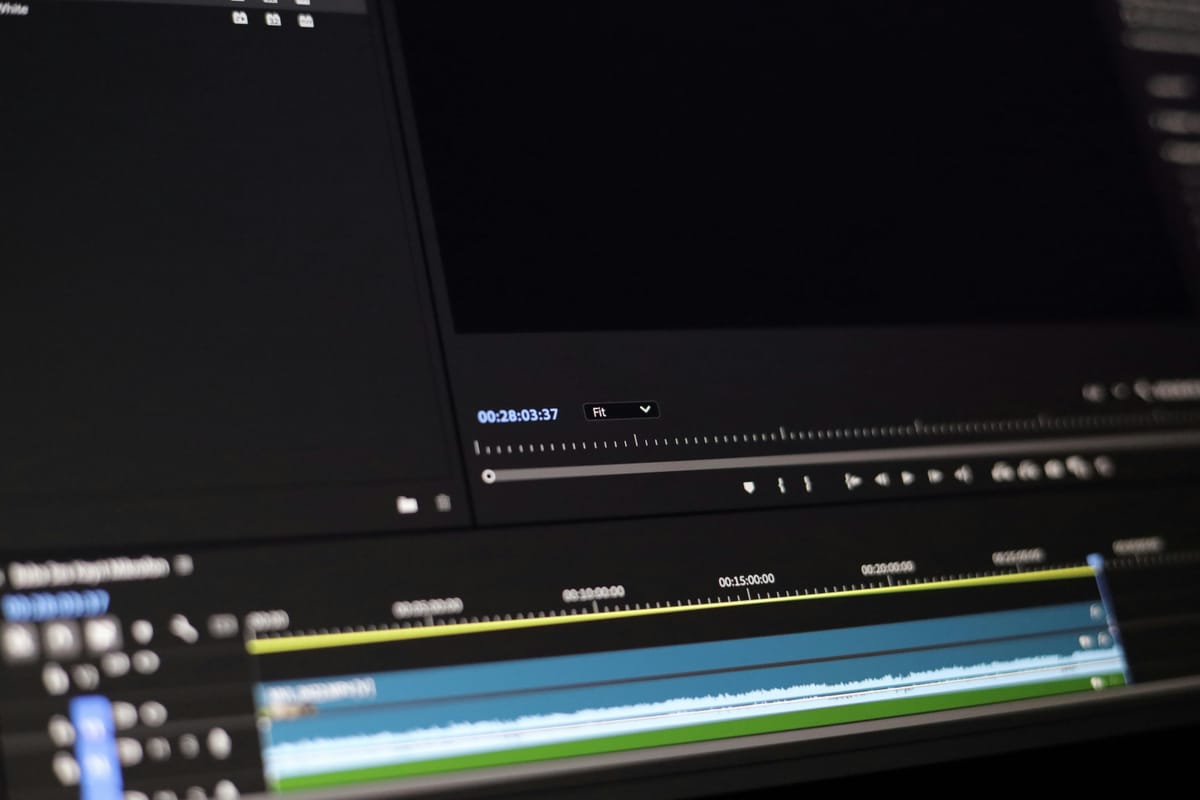
Video content creation is booming, and not every creator needs complex software loaded with steep learning curves. Adobe Premiere Elements 2026 targets users who want to produce polished videos without getting lost in professional-grade tools. Powered by AI and automation, this update promises fast, intuitive video editing for beginners and casual storytellers alike.
Whether you’re a social media enthusiast, small business owner, or hobbyist, Premiere Elements 2026 has features that simplify editing tasks and enhance creativity — all without requiring prior experience. Let’s dive into what makes the latest release stand out and why it might be the right choice for your video projects.
Simplified Editing Powered by AI and Automation
Premiere Elements 2026 leverages artificial intelligence to automate time-consuming edits. You can easily trim and resize clips, remix music to match video length, and add artistic effects with minimal effort. Automated tools improve grainy footage and adjust shadows and highlights, refining your videos with a few clicks.
Guided Edits for Skill Building and Creativity
If you’re new to video editing or want to expand your skills, Guided Edits are a key feature. They take you step-by-step through tasks like adding a musical score, fixing action cam footage, or creating double exposure videos. This structured learning approach builds confidence and helps deliver professional-looking results.
Creative Enhancements to Make Videos Pop
Beyond basic editing, Premiere Elements includes many creative options like motion titles, transitions, and collages. You can showcase your work in Highlight Reels and slideshows, perfect for sharing on social platforms or with friends and family. The software even supports 360° and VR video editing, broadening storytelling possibilities.
Efficient Organization and Cloud Integration
The included Elements Organizer helps you import from cloud services quickly and organize your media with automatic tagging and face recognition. This makes finding and managing your clips easy, so you can focus on creation rather than hunting files.
Flexible Licensing and Free Trial
Premiere Elements 2026 is offered with a 3-year term license that is a one-time purchase with no subscription fees. After the license expires, you retain access to your media catalog indefinitely. There is a free 7-day trial available, allowing users to explore the software fully before committing.
Should You Upgrade or Bundle It?
Adobe also offers a bundle combining Premiere Elements with Photoshop Elements, perfect if you want easy AI-powered photo editing alongside video creation. This bundle shares the same Organizer, creating an efficient workflow for managing photos and videos together.
Conclusion
Adobe Premiere Elements 2026 blends AI automation, guided tutorials, and creative features into a user-friendly package ideal for beginners and casual creators. It reduces the complexity traditionally associated with video editing software while empowering users to produce compelling videos quickly.
If you’re exploring fast and easy video editing software with solid creative tools, Premiere Elements 2026 is worth a trial. Start with their official Adobe page to download the free trial and see how effortlessly you can bring your video ideas to life.
More about editing software:
 Staff Report
 Staff Report
 Staff Report