

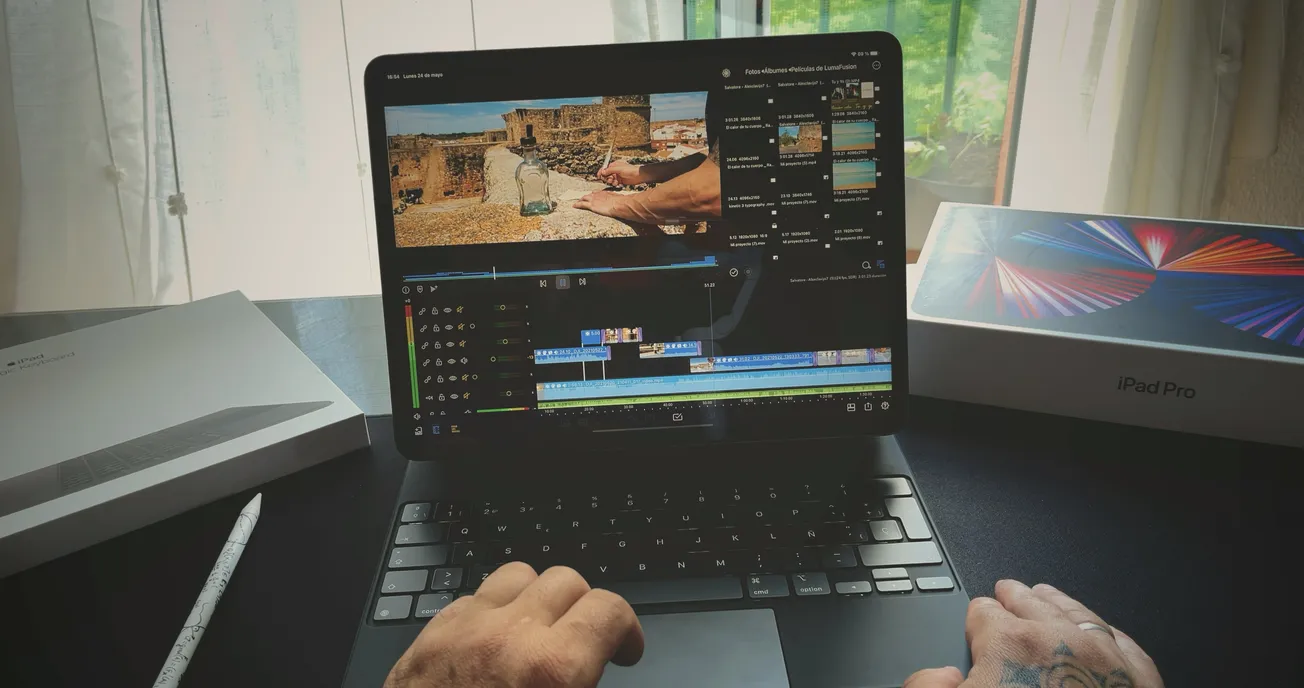
Video editing is often a time-consuming process, especially the tedious work of assembling rough cuts from hours of footage. Adobe is addressing this pain point with its Firefly video editor's new Quick Cut feature, which promises to revolutionize how creatives approach early editing stages.
For creators and businesses aiming to produce polished videos efficiently, Quick Cut offers a promising tool to fast-track the initial assembly while preserving creative control.
How Quick Cut Works to Save You Time
Getting started with Quick Cut is straightforward. Users upload their B-roll or generated footage to Adobe Firefly and then provide a chat-based prompt describing the video's purpose or story.
This initial input drives Firefly's AI to deliver a narrative-first rough assembly. Creators can enhance precision by feeding in scripts or shot lists and adjust parameters such as aspect ratio, pacing, and total duration. They can also organize secondary footage with an optional B-roll track.
Maintaining Creative Authority While Automating the Grind
Unlike auto-editing tools that might try to finish a project, Quick Cut focuses on lightening the load of early-stage editing by taking over the grunt work of stitching clips. This leaves editors more time to focus on creative decisions, such as which shots to include and how to polish the final cut.
This balance empowers creators to experiment with multiple assembly versions generated through AI, helping them discover new storytelling directions rapidly.
Accessibility and Availability
Quick Cut is currently accessible within Adobe’s Firefly video editor. Adobe is offering unlimited AI video generations through the platform, making it a resource creators can try without typical early-adoption limits. Pricing details and full feature specifications are available on Adobe’s official website.
Final Thoughts: A New Era in Video Editing
Adobe Firefly’s Quick Cut exemplifies how AI is reshaping creative workflows by reducing drudgery and enabling faster experimentation. For video creators juggling time constraints and quality standards, it offers an enticing opportunity to spend less time on rough cuts and more on storytelling finesse.
As the editing landscape continues evolving with AI, tools like Quick Cut are set to become indispensable in creative studios and solo projects alike.
More about Adobe:
 Staff Report
 Staff Report
 Staff Report