
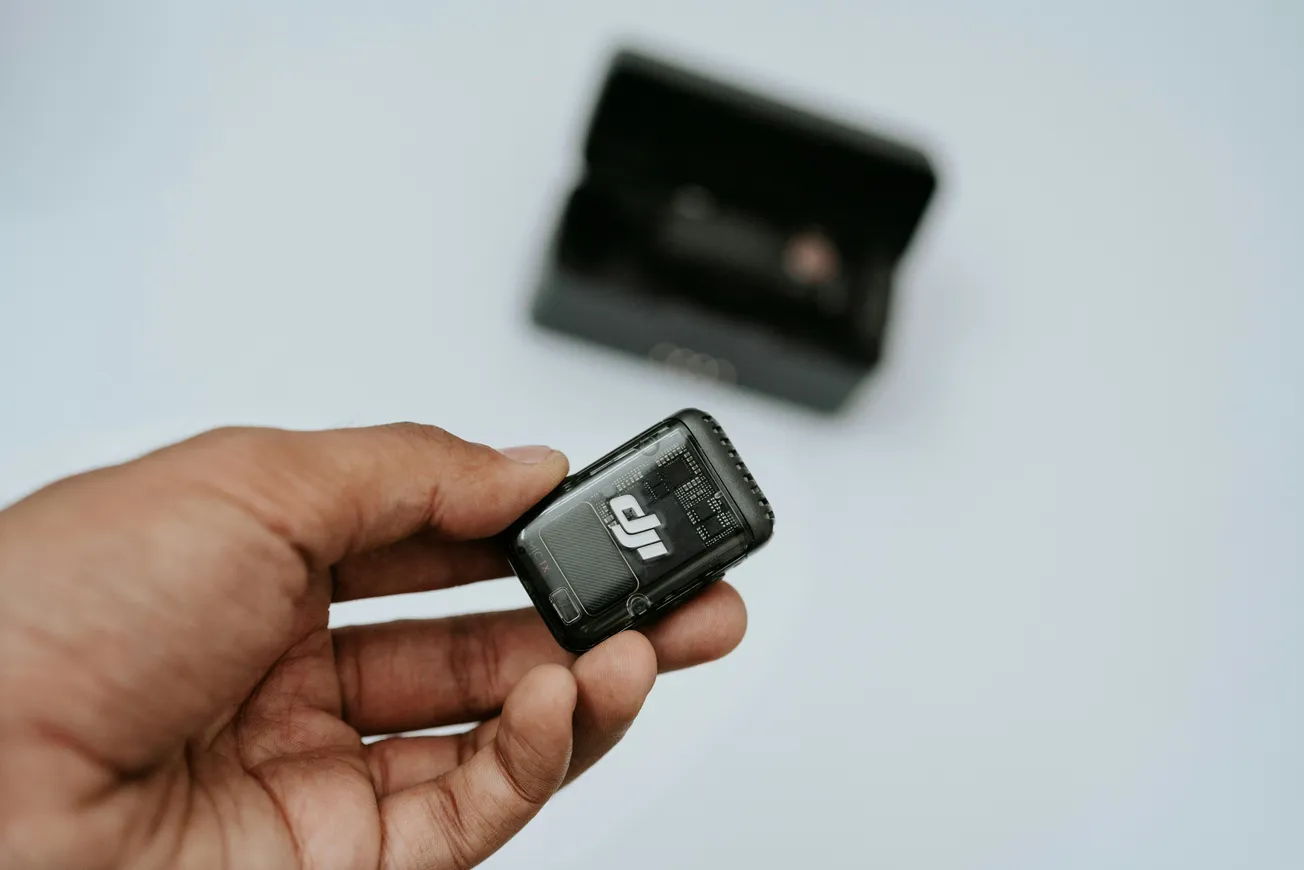
For creators looking to enhance video and audio quality without breaking the bank, camera ecosystem compatibility matters—especially for vlogging and action cameras. The recent firmware update from Xtra revolutionizes their lineup by integrating native support for DJI wireless mics, a feature that many users eagerly awaited.
This article explores how this update transforms the Xtra Muse and other models into formidable alternatives within the competitive camera market, particularly against DJI's own offerings.
Bridging the Gap in Ecosystem Support
The Xtra Muse, widely seen as a close counterpart to the DJI Osmo Pocket 3, previously lacked one critical feature: wireless mic compatibility within the DJI ecosystem. After the February 2026 firmware update, this disconnect is fully resolved, enabling all Xtra cameras to natively pair with DJI Mic Mini and DJI Mic 2 devices.
Key Benefits of the Firmware Update
- Instant Bluetooth pairing with DJI Mic Mini.
- Full support for 32-bit float audio on DJI Mic 2, ensuring professional-grade audio clipping protection.
- On-screen live audio meters matching the experience of DJI-native devices.
How to Connect Your DJI Mic to an Xtra Camera
Creators praise the simplicity of pairing DJI mics with Xtra cameras. Here’s the quick process:
- Update your camera's firmware via the Xtra app.
- Turn on the DJI Mic Mini or Mic 2 transmitter.
- On the Xtra camera, navigate to Settings > Wireless Mic > Connect.
- Put your mic into pairing mode.
- Tap ‘Pair’ on the camera screen and watch the audio bars appear.
This seamless integration offers an experience comparable to using authentic DJI cameras, sometimes even with a sleeker interface.
Getting the Firmware Update
The update is exclusively available through the Xtra app rather than the website. After connecting your camera via Wi-Fi or cable, look for the firmware notification and follow the prompts. The update process takes just 2-3 minutes, after which the "Wireless Mic" option becomes available.
Conclusion
The latest Xtra firmware update heralds a new era for creators who want professional audio integration without the premium DJI price tag. By joining the DJI wireless mic ecosystem, Xtra’s diverse camera range now offers remarkable versatility for vloggers, adventurers, and immersive content creators alike. This update dissolves previous hesitations and firmly positions Xtra as a strong contender in the 2026 camera market.
For creators eager to upgrade their setup affordably and efficiently, exploring Xtra cameras with this new wireless mic support is a smart move. Download the Xtra app today to update your device and unlock these powerful features.
For more in-depth camera news and updates, visit New Camera.
More about audio equipment:
 Staff Report
 Staff Report
 Staff Report