Wondercraft has introduced its AI Video Studio, a powerful addition to its AI creative platform that lets creators turn podcast audio into fully produced videos rich with animations, images, and visual storytelling elements. The new tool is designed to help podcasters, marketers, and storytellers produce professional‑looking video content without needing traditional editing skills or costly software.
At its core, Wondercraft’s AI Video Studio extends the platform’s capabilities beyond audio production, enabling creators to start with nearly any audio source — including podcast episodes — and generate a complete video that suits a defined purpose. Whether you’re aiming for a business presentation, social media promo, training video, or another format, the tool guides you through selecting the desired outcome and then builds a video that aligns with that goal.
From Audio to Video With Guided Workflows
Unlike many AI video generators that produce isolated clips, Wondercraft structures creation around guided workflows tailored to real‑world use cases. Once you choose what type of video you want — for example, a highlights reel, explainer, or promotional short — you can upload your podcast audio or describe what audio you want the tool to generate. The AI then takes that input through a series of orchestrated steps, combining visuals, animated elements, and the original audio to produce a cohesive video.
This workflow orientation helps ensure that output isn’t just technically impressive, but usable and ready for distribution — whether you’re posting to LinkedIn, Instagram, YouTube, or embedding on a company site. It also opens possibilities for repurposing long‑form audio into bite‑sized, video‑friendly pieces that can attract new audiences.
Visual Customization and AI Avatars
One of the standout features of the AI Video Studio is the ability to include AI‑generated avatars of your podcast hosts. These avatars can appear on screen delivering content, adding a personal and engaging touch without requiring a video shoot. Coupled with animations and AI‑generated or uploaded images, creators can craft visually dynamic narratives that enhance listener engagement and translate sound into compelling visuals.
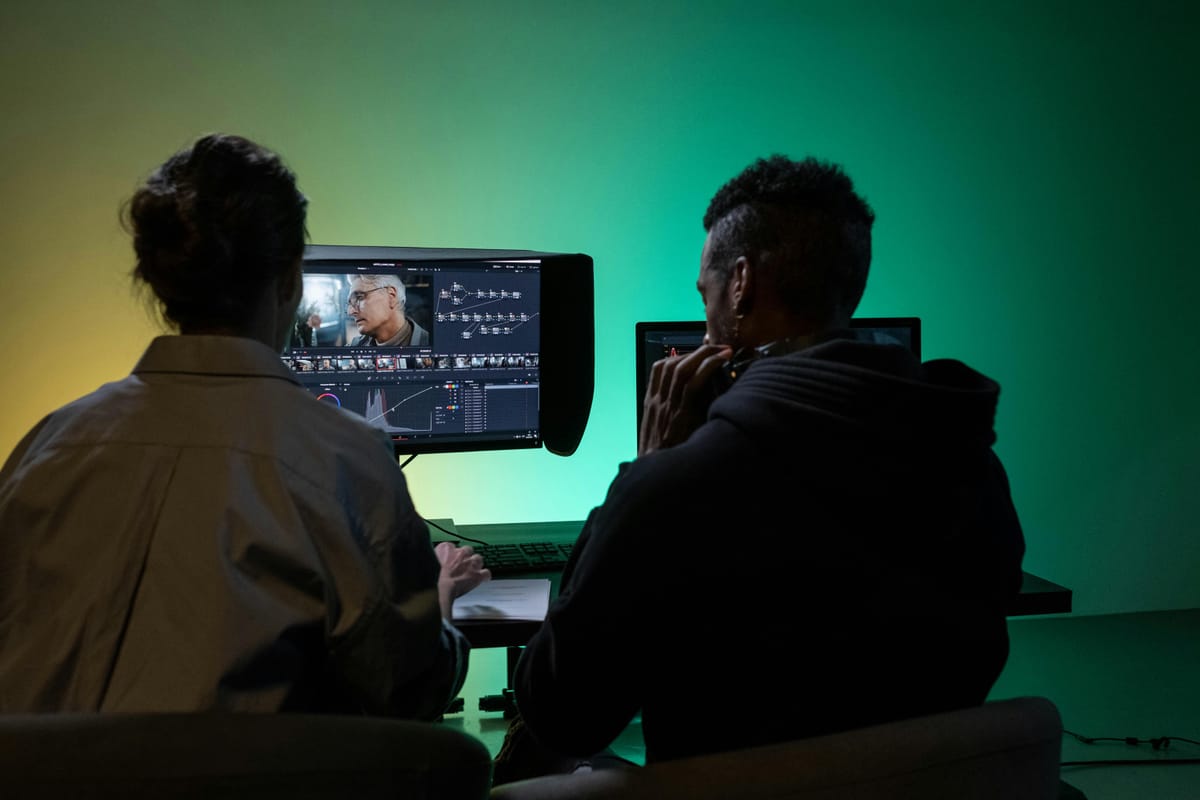
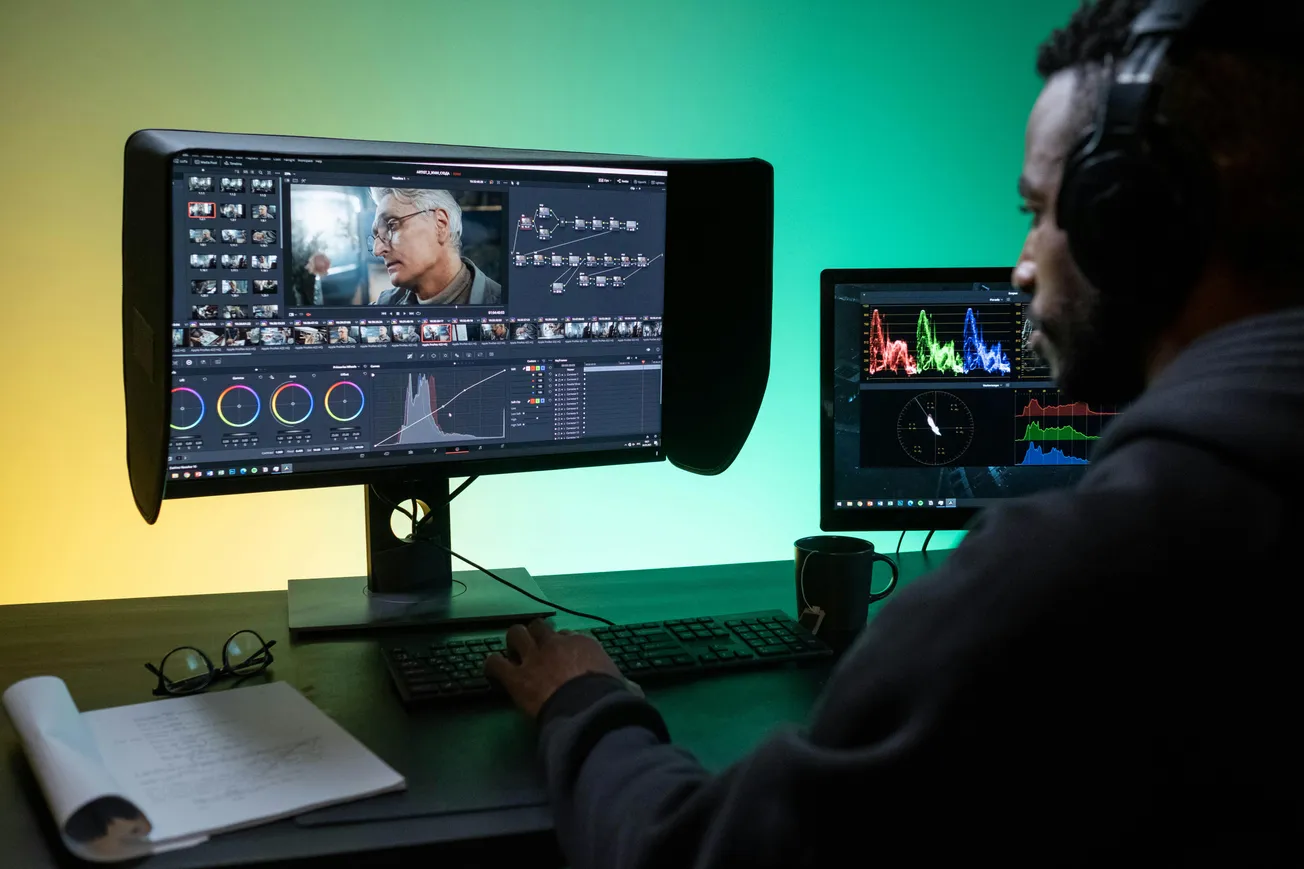
The studio also offers a real timeline editor, where you can refine your video, adjust captions, resize layouts, add branding, and export in different formats — all inside a single, guided environment. This blend of automation and manual control gives both beginners and experienced creators flexibility without overwhelming complexity.
Designed for Broad Creative Use
Wondercraft’s AI Video Studio is built with creators and teams in mind, supporting not just podcasts but a wide range of content types — from internal business communications and training videos to promotional content and educational pieces. By combining advanced AI models for video, voice, images, and sound, the platform helps produce business‑ready videos through structured workflows instead of relying on random prompts.
The company’s emphasis on structured outcomes — rather than isolated clips — means content teams can maintain consistency and quality while accelerating production timelines. You don’t need deep video editing expertise to produce engaging final products that look polished and professional.
What This Means for Creators
For podcasters looking to grow their audience on video platforms, Wondercraft’s AI Video Studio represents a significant leap forward. It removes major barriers by automating the visual repurposing of audio content, freeing creators to focus on storytelling rather than technical production. Whether you want to generate social promos, animated interviews, or full‑length visual versions of your show, the tool aims to make the process fast, intuitive, and accessible.
As AI continues to reshape content creation workflows, tools like Wondercraft’s AI Video Studio show how creators can leverage automation without sacrificing creativity — turning one medium into another with more impact and efficiency.
More about AI:
 Staff Report
 Staff Report
 Staff Report