Timecode is a vital tool for keeping audio and video recordings synchronized—especially in multi-camera shoots, interviews, and documentary production. This guide explains what timecode is, how it works, and how to use it effectively, even without high-end gear.
What Is SMPTE Timecode?
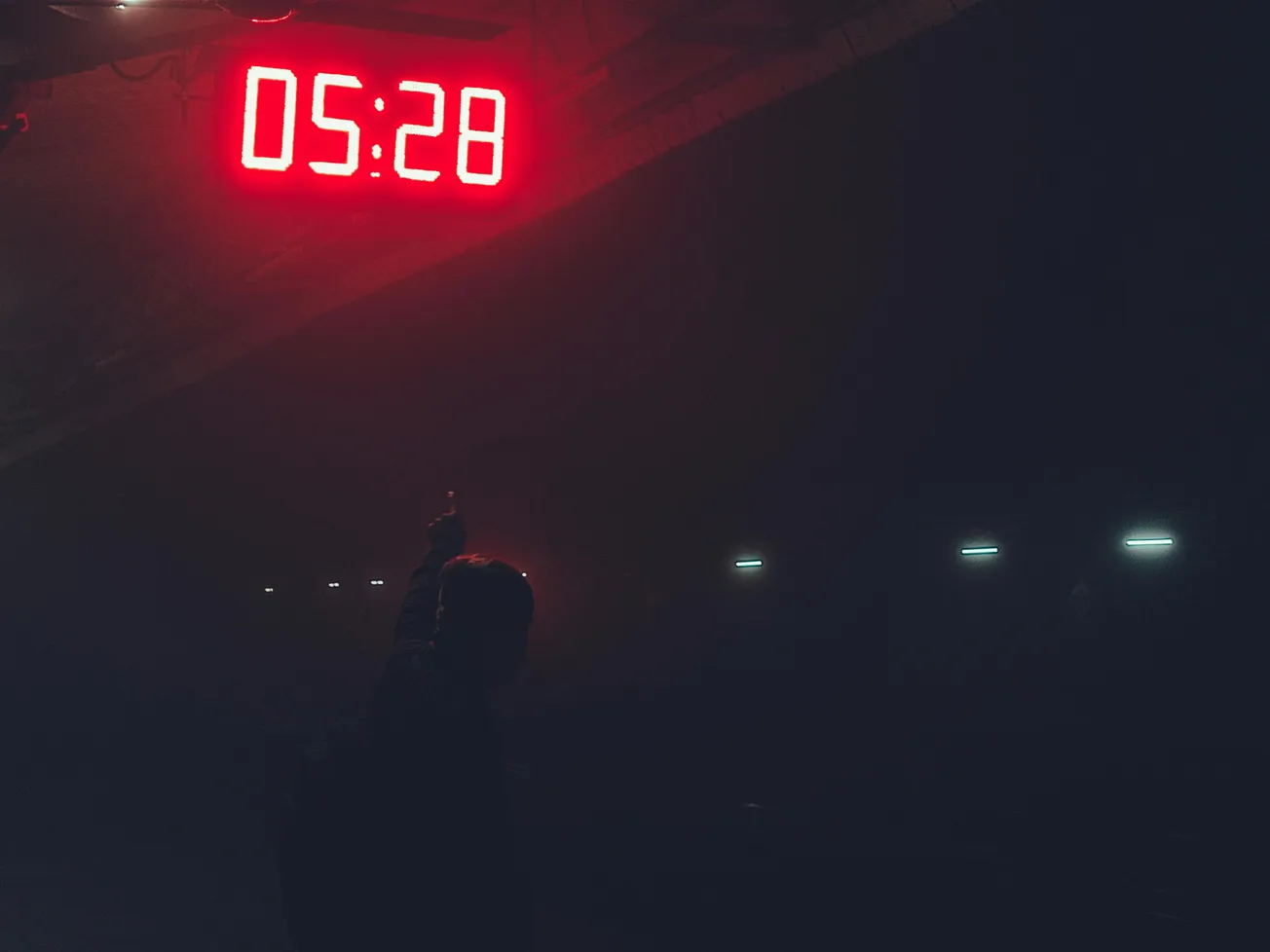
SMPTE Timecode assigns a unique time-based identifier to each video frame, typically formatted as hours:minutes:seconds:frames (e.g., 01:23:45:12). It’s used throughout film, broadcast, and digital production to ensure precise alignment between audio and video sources.
Why Internal Camera Clocks Aren’t Always Reliable
Most cameras embed timecode based on their internal clocks. These clocks, while generally sufficient for casual recording, are susceptible to drift—especially with temperature fluctuations. A minor variance in clock speed can lead to noticeable sync issues over long recordings. Audio recorders often face similar limitations.
TCXO Clocks: Reducing Drift with Precision
To improve clock accuracy, many professional setups use TCXO-based systems. These oscillators compensate for temperature changes, reducing drift to a minimum. Some TCXOs maintain frame-accurate sync over 48 hours, making them well-suited for longer or more complex shoots.
Using External Timecode Generators
When precise synchronization is critical, external timecode generators are commonly used. These devices can be "jam-synced" to one another before being connected to individual cameras or recorders. Even when disconnected, TCXO-enabled generators can continue running in sync for extended periods.
Some equipment features dedicated timecode input ports. Connecting a generator directly allows for real-time sync, minimizing drift. However, if the generator is removed after jam-syncing, the device reverts to its internal clock, which may introduce slight drift over time.
Workarounds for Devices Without Timecode Inputs
For gear that lacks timecode inputs, timecode can be recorded onto an audio track. Though the resulting audio resembles a series of clicks or tones, it can later be decoded using applications like Tentacle Sync Studio or Deity’s timecode app. These tools convert audio-based timecode into metadata, allowing editing software to align clips precisely.
Frequently Asked Timecode Questions
Should timecode generators remain connected during filming?
Yes. Keeping generators connected throughout the session ensures consistent sync. Disconnecting after jam-syncing introduces the risk of drift.
Why does audio drift in long clips, even with timecode?
Timecode marks the start of a recording. If clocks drift over time—especially during hour-long sessions—synchronization may degrade. Feeding audio directly into the camera can be an effective workaround in these situations.
By understanding and implementing timecode correctly, creators can significantly reduce sync issues and streamline post-production workflows. Whether using professional equipment or DIY solutions, timecode remains an essential tool for modern video production.
More about audio:
 Staff Report
 Staff Report
 Staff Report