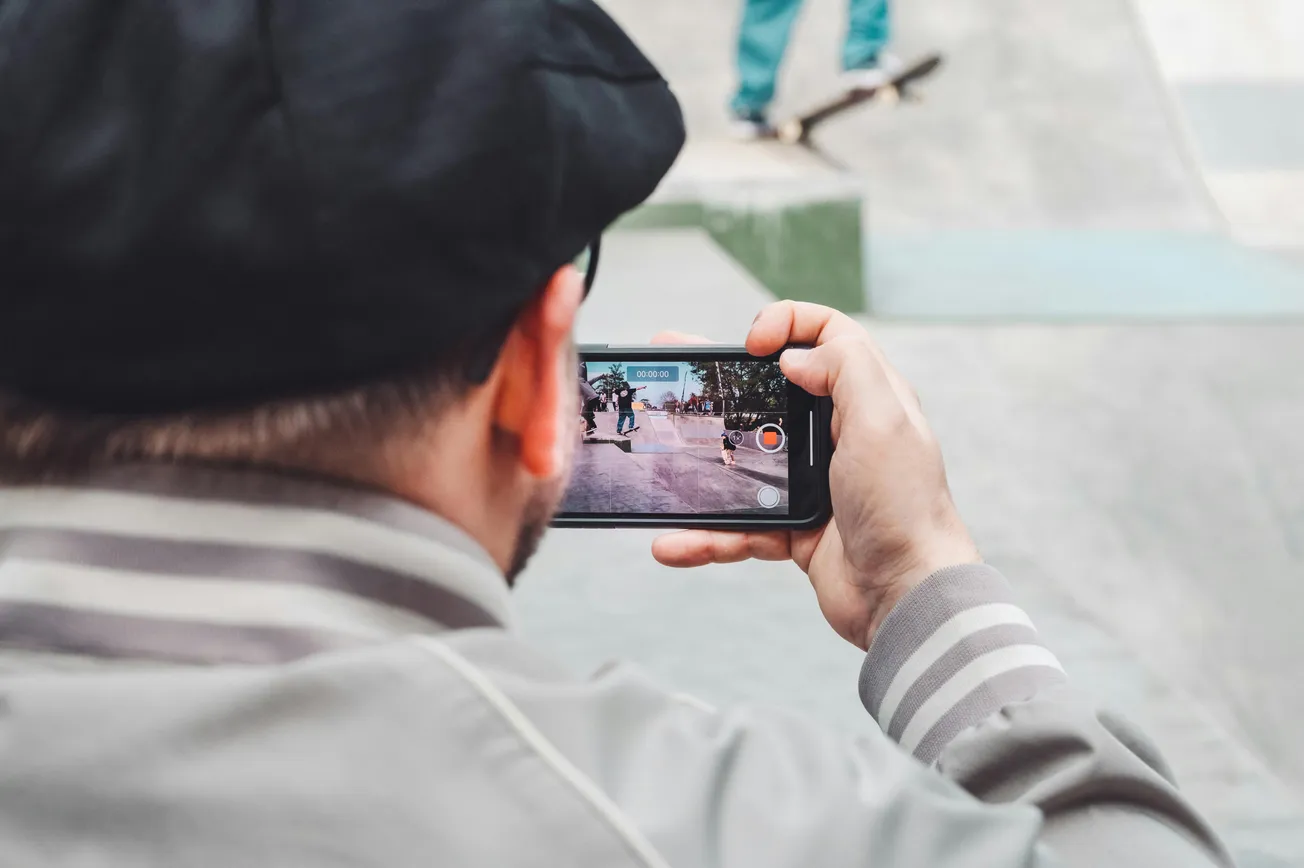
The popular mobile video app Mavis Camera just got a major upgrade — version 7 — and it’s reshaping what filming on an iPhone or iPad can look like. First released with the iPhone 5s, the app has grown up alongside iOS devices. Now, with v7, it pushes iPhones into pro‑level video workflows.
With this update, Mavis Camera adds native iPad support, a redesigned user interface, and deep integration with Adobe Frame.io — meaning footage can start uploading to the cloud while you’re still recording. That’s a game‑changer for creators who need fast turnarounds or remote collaboration.
For shooters seeking control, Mavis brings serious professional tools. You get manual control over recording formats, frame rate, focus, and color balance — the kind of adjustments you usually see on dedicated cameras. Visual helpers like focus peaking, false color, zebras, waveform, and vectorscope help make sure exposure and color are accurate.
Audio got an upgrade, too: the app now supports up to eight audio channels, with metering, mixing, and the option to record both mixed output and individual tracks. That makes Mavis viable for filmmaking, interviews, or music — wherever precise audio matters.
Mavis v7 also offers live‑streaming to platforms like YouTube, Twitch, or custom destinations via SRT/RTMP — ideal for creators doing events, livestreams, or fast‑turnaround content.
In short: Mavis Camera v7 removes many of the limitations of a typical phone camera. If you shoot video on an iPhone or iPad — whether for social, documentary, events, or freelance work — it’s a serious upgrade worth checking out.