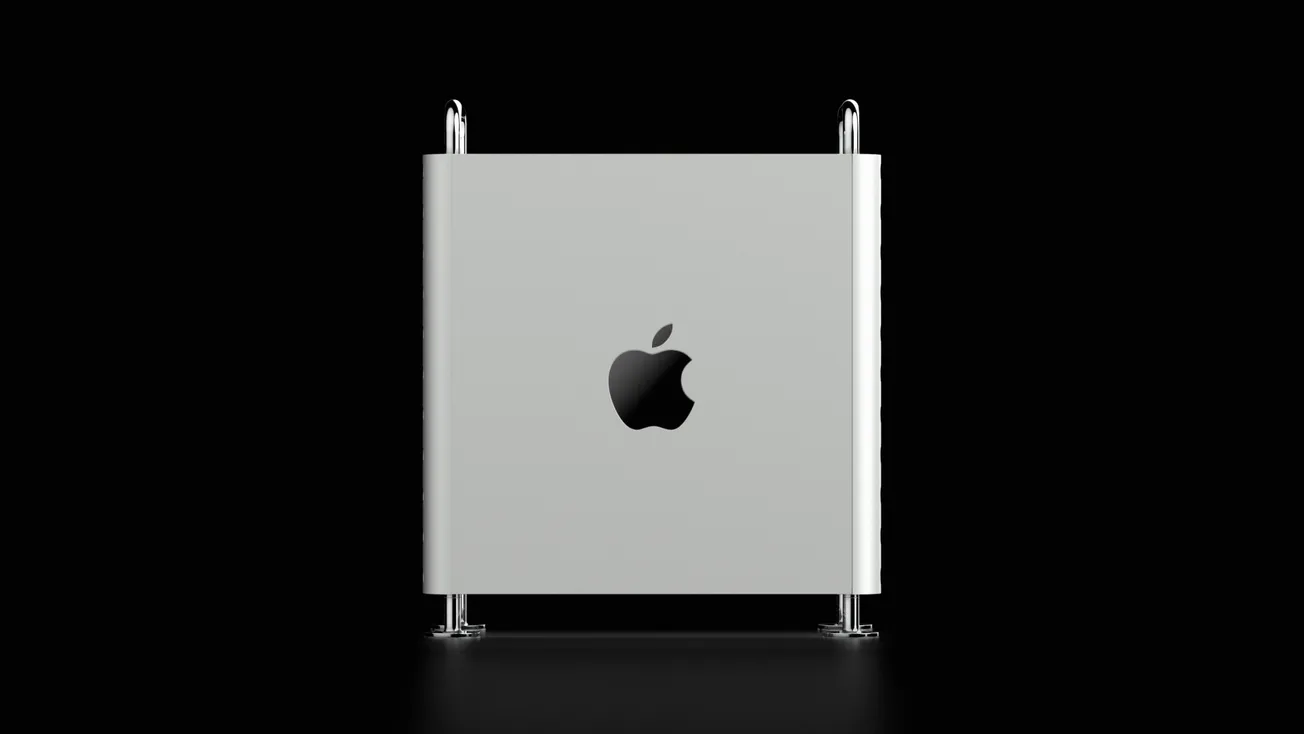
The Apple Mac mini with M4 Pro chip represents a significant performance upgrade over earlier Mac minis, raising the question of whether it can serve as a capable workstation for music, audio, and post‑production studios. Based on real‑world experience and industry benchmarks, the M4 Pro model delivers performance that meets or exceeds the needs of many creative professionals while maintaining a compact, quiet form factor.
Performance for Studio Workflows
The M4 Pro Mac mini integrates Apple’s advanced silicon architecture, combining CPU, GPU, and unified memory on a single system‑on‑chip (SoC). This design delivers fast app launches, smooth audio processing, and responsive handling of plugins and multi‑track sessions in popular DAWs like Logic Pro and Pro Tools. In practical use, tasks that previously strained older machines — such as multiple instrument tracks, effects chains, and video playback — run without bottlenecks on the M4 Pro.
Industry reviewers note that the M4 Pro Mac mini’s performance rivals that of larger desktops, offering “workstation‑class capabilities in a tiny package.” This balance of speed and efficiency reflects Apple’s broader success with Apple Silicon, which prioritises performance per watt and system responsiveness.
Real‑World Studio Suitability
For small to medium‑sized studios, the Mac mini M4 Pro is generally considered more than adequate. Users report that typical audio‑centric projects — including multi‑track recordings, mixing sessions, and plugin‑heavy arrangements — run smoothly with minimal latency or performance issues.
In post‑production environments, the machine’s processing power also supports video editing and motion graphics workflows alongside audio tasks. Faster video scrubbing and smoother timeline performance have been observed compared with older laptops or desktops.
However, large studios with very high track counts or expansive orchestral libraries may still find limitations. In these scenarios, machines with expanded memory, more CPU cores, or dedicated acceleration hardware can offer additional headroom.
Connectivity and Expandability
The Mac mini M4 Pro includes a range of modern ports — typically Thunderbolt 5, USB‑C, HDMI, and Ethernet — which support multiple displays, fast external storage, and audio interfaces. While expandability is more limited compared with modular desktops, hubs and docks can address most studio connectivity needs without compromising system performance.
Form Factor and Workflow Impact
One of the Mac mini’s notable advantages in studio settings is its compact and quiet design. Its small footprint makes it easy to integrate into desktop setups without clutter, and silent operation reduces background noise in critical listening environments.
The performance‑to‑cost ratio is another consideration. For many producers, the Mac mini M4 Pro delivers professional‑level performance at a lower price point than larger workstations while still handling demanding creative workloads.
Summary
The Apple Mac mini M4 Pro is a capable machine for most studio applications. It offers strong performance for audio production, mixing, and post‑production workflows in a compact package.
While extreme high‑end professional environments might still favour machines with greater expandability and specialised hardware, many audio professionals will find the M4 Pro Mac mini to be more than sufficient for everyday studio demands.
More about Apple:
 Staff Report
 Staff Report
 Staff Report