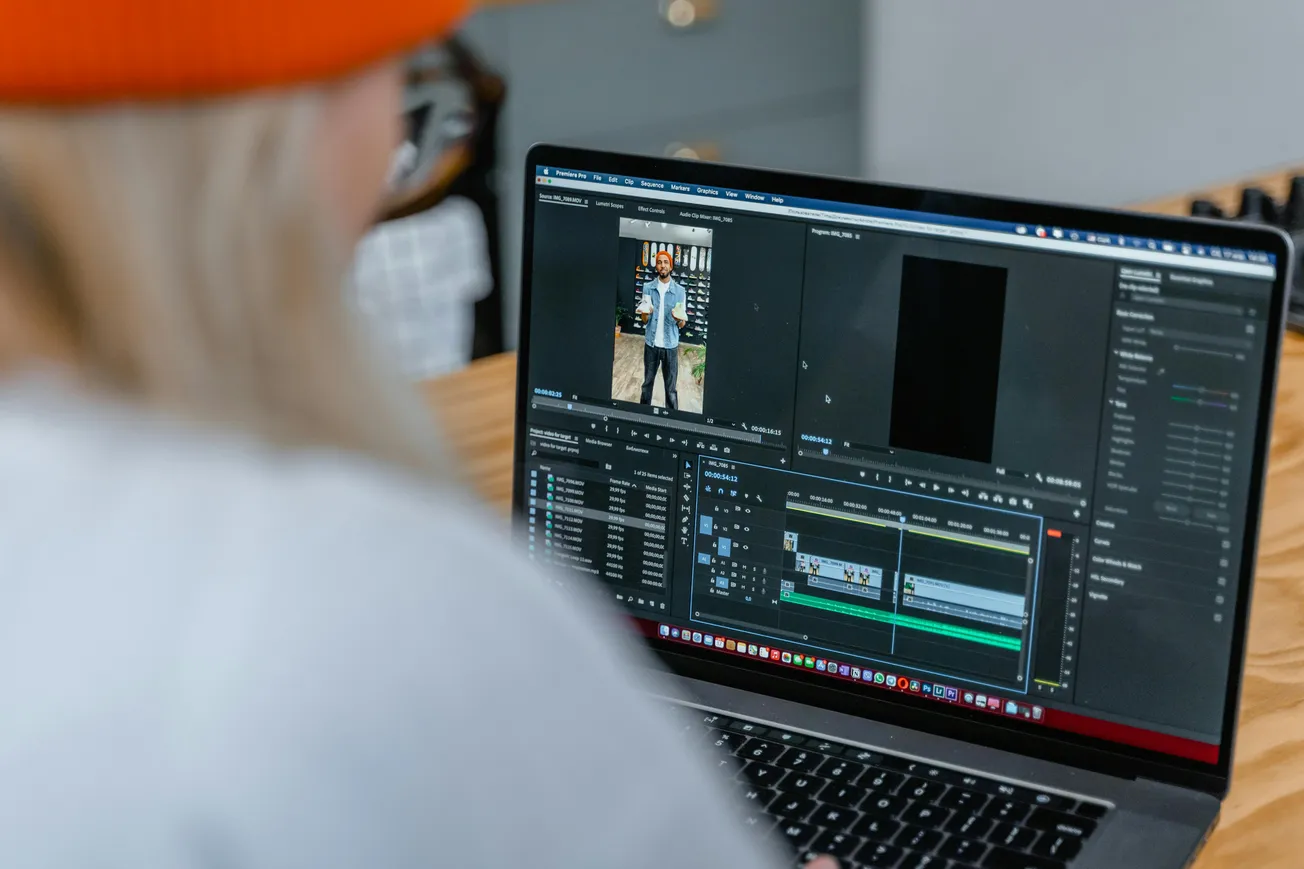
Video editing can often feel like a tedious, time-consuming chore, especially for creators focused on producing engaging, quality content. Enter Gling—a cutting-edge AI-powered tool designed to accelerate the editing process, so you can spend less time trimming and more time crafting.
For content creators and businesses alike, Gling optimizes workflow by automating dull tasks like removing silences, filler words, and bad takes, while enhancing videos with captions, noise removal, and smart zoom features.
Streamlining Editing with AI Automation
Using Gling is easy and efficient. Just upload your raw video or audio recording, and the AI quickly transcribes it, analyzes the content, then automatically trims out unwanted sections. This text-based trimming method provides a level of precision manual editing often misses, saving you hours.
Practical Features That Make a Difference
- Automatic removal of silences, filler words, and bad takes that disrupt flow
- Noise removal and auto-framing to enhance audio clarity and focus on your subject via automatic zoom
- AI-generated captions and subtitles to boost engagement and accessibility
- YouTube optimization through automated title generation, video chapters, and next video suggestions to maximize reach and performance
Efficiency Meets Creative Control
Although Gling automates the heavy lifting, it doesn't sacrifice creative freedom. You can easily review and fine-tune your video using intuitive editing controls, ensuring each final cut aligns perfectly with your vision.
Integration with major editors like Final Cut Pro and Adobe Premiere also means you can export Gling’s output seamlessly into your established workflow.
What Content Creators Are Saying
The response from creators using Gling has been overwhelmingly positive. They report significant time savings and hassle reduction in the post-production process.
Conclusion
Gling’s AI-driven approach empowers creators to work smarter instead of harder—cutting editing drudgery and improving video quality in the process. Whether you're growing a YouTube channel or producing business content, Gling helps you deliver professional videos quickly and effortlessly.
Take the next step towards optimizing your content workflow with tools like Gling and watch your creative process transform.
More about editing:
 Staff Report
 Staff Report
 Staff Report