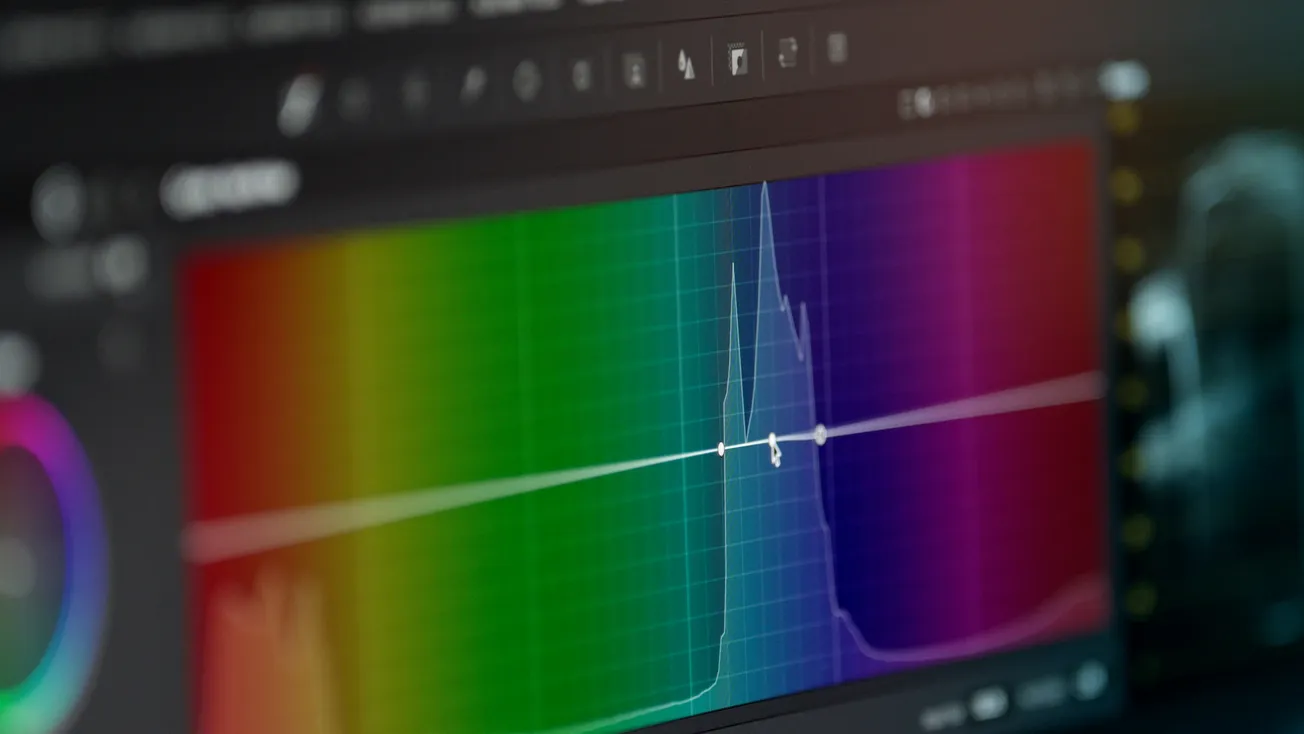
In digital audio production, what you hear isn’t always everything that’s happening. Spectrum analyzer plugins show you the frequency content of your audio signal in real time, revealing energy peaks, dips, masking issues, and tonal imbalances that can be hard to detect with ears alone. They’re especially useful when mixing or mastering, helping you diagnose problems while your ears fatigue or your monitors don’t reveal the whole story.
Here’s a look at five quality free spectrum analyzer plugins that can be added to your DAW without spending a cent — perfect for visual frequency insight.
1. Blue Cat’s FreqAnalyst
Blue Cat’s FreqAnalyst is a flexible real-time spectrum analyzer that displays an audio signal’s frequency breakdown with high resolution and smooth interpolation. It offers zoom control, adjustable resolution, and a threshold system that helps highlight important spectral content. It’s a go-to choice for monitoring frequency balance across instruments and mixes.
Best for: general spectrum monitoring and frequency balance insight.
2. HoRNet Freqs
HoRNet Freqs offers two display modes — analog and digital — appealing to users who prefer classic spectrum meter looks or more detailed FFT reads. The plugin’s graphical interface is resizable and designed to be smooth on different displays. It also includes peak-hold functionality and can display mid/side spectral components.
Best for: visual learners who want both analog-style and FFT views.
3. SIR Audio Tools SpectrumAnalyzer
This plugin combines two analytical engines: an FFT-based spectrum analyzer and a parallel analog-style band-pass analyzer. This hybrid approach provides flexibility in viewing frequency content with both broad and detailed representations. Intelligent peak detection and a snapshot function make comparing spectral profiles easier.
Best for: comparing spectral snapshots and diagnosing resonant peaks.
4. ToneBoosters' Goniometer and Spectrogram
While not a traditional horizontal spectrum graph, ToneBoosters’ free Goniometer and Spectrogram include tools that help visualize audio content — the goniometer focuses on stereo image and phase relationships, while the spectrogram shows how frequency content evolves over time. These visual aids can complement spectrum readings when assessing tonality and spatial balance.
Best for: exploring stereo field and dynamic spectral motion.
5. Voxengo SPAN
Although not listed in the Production Expert article’s selection, Voxengo SPAN is one of the most widely used free spectrum analyzer plugins in the audio production community. It offers deep configuration — including FFT size, overlap, real-time max views, and even mid-side analysis — making it a versatile, professional-grade tool with broad frequency visualization options for mixing and mastering.
Best for: advanced frequency analysis and professional mixing insight.
Why Spectrum Analyzers Matter in Mixing and Mastering
A spectrum analyzer displays how loud different frequencies are at any given moment, offering a visual frequency breakdown across the audio spectrum. This is especially useful because:
- Ear fatigue can make it harder to judge mixes accurately after long sessions.
- Room acoustics often color what you hear through monitors, but a spectrum analyzer shows what’s actually there.
- It helps you spot frequency buildups, masking, and imbalances you might miss by ear alone.
Using a spectrum analyzer doesn’t replace listening skills, but it augments them — like having a microscope for your mix’s frequency content.
Tips for Using Spectrum Analyzer Plugins Effectively
- Insert on individual tracks (like bass, kick, vocals) to identify frequency clashes.
- Use on a mix bus to judge overall tonal balance.
- Compare snapshots between different sections or songs to help refine your tonal goals.
- Adjust FFT resolution and smoothing to focus on broader trends or fine detail.
Free spectrum analyzer plugins are essential additions to a mixing or mastering workflow, especially if you’re striving for balanced, well-translating mixes. From Blue Cat’s FreqAnalyst to Voxengo SPAN, these tools help you see what’s happening in your audio so you can make more informed decisions and fix problems that might otherwise go unnoticed.
More about audio:
 Staff Report
 Staff Report
 Staff Report