Many content creators find themselves drowning in hours of recorded footage, struggling to find the time or energy to edit. This common bottleneck often leads to inconsistent posting and lost motivation. The good news is that with strategic approaches, editing can become a more manageable and efficient process, transforming daunting projects into consistent output.
Why Editing Takes So Long
Editing often consumes more time than filming because the process is typically unstructured. Creators tend to evaluate footage, make narrative decisions, and refine visuals simultaneously. This constant task-switching creates cognitive friction, significantly slowing down the workflow.
Professional editors avoid this by breaking down the editing process into distinct, sequenced phases: identifying usable footage, shaping the narrative, refining pacing, and finally, polishing details. This structured approach minimizes cognitive load and allows for faster, more focused decision-making at each stage.
Strategies for Faster Editing
The "First 10 Minutes Rule": To combat overwhelm, focus only on the first 10 minutes of your raw footage. Make quick "yes/no" decisions and mark timestamps. This prevents "timeline paralysis" and provides early clarity on the video's direction, potentially saving hours.
Leverage Transcription: Transcribing your footage turns hours of video into searchable text. This allows you to quickly scan for keywords and strong soundbites instead of scrubbing through timelines. It's particularly effective for educational content, interviews, and long-form videos, helping to identify key moments and eliminate filler before touching the editing software.
Create Repeatable Templates: Treat each video as a unique project can be a major time sink. By defining and reusing a basic video structure—including a hook, intro, main sections, call to action, and outro—you create a familiar framework. This reduces the number of micro-decisions needed, freeing up creative energy for storytelling.
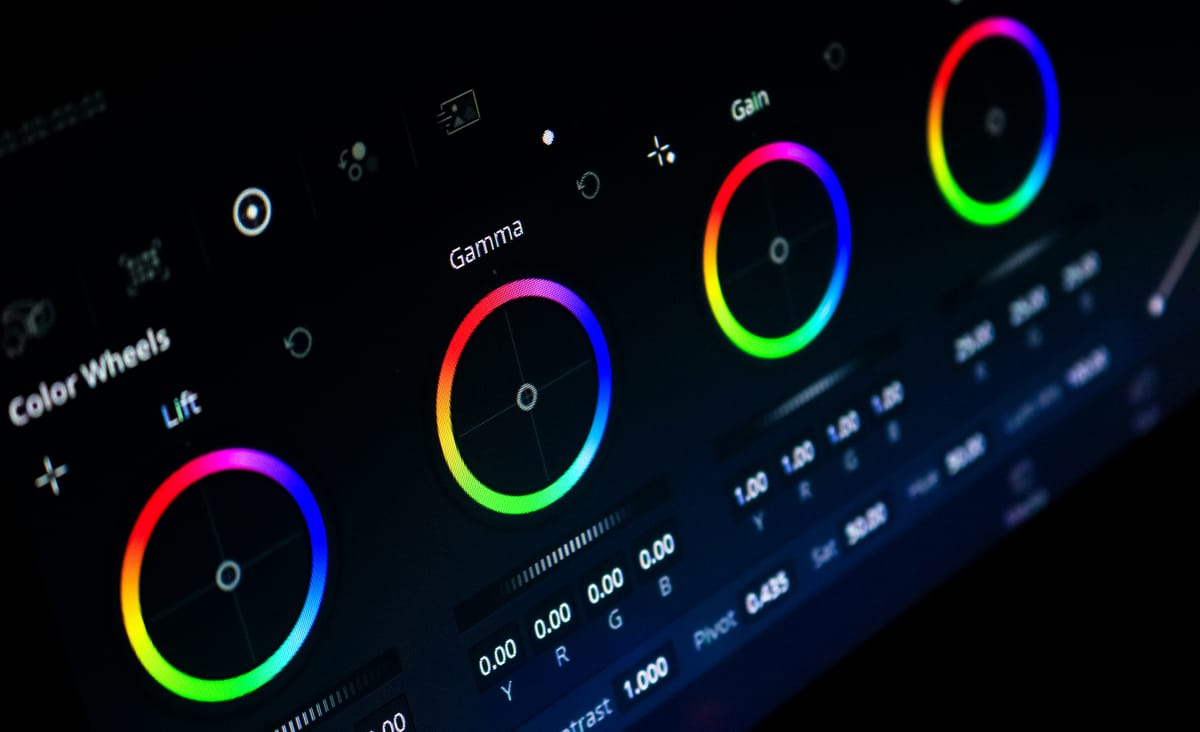
Batch Similar Edits: Instead of editing linearly from start to finish, batch similar tasks. For example, dedicate one pass to rough cuts, another to refining pacing, a third to adding B-roll and text, and a final pass for audio and color correction. This focused approach minimizes context switching and allows for greater efficiency, especially when working on a series of videos.
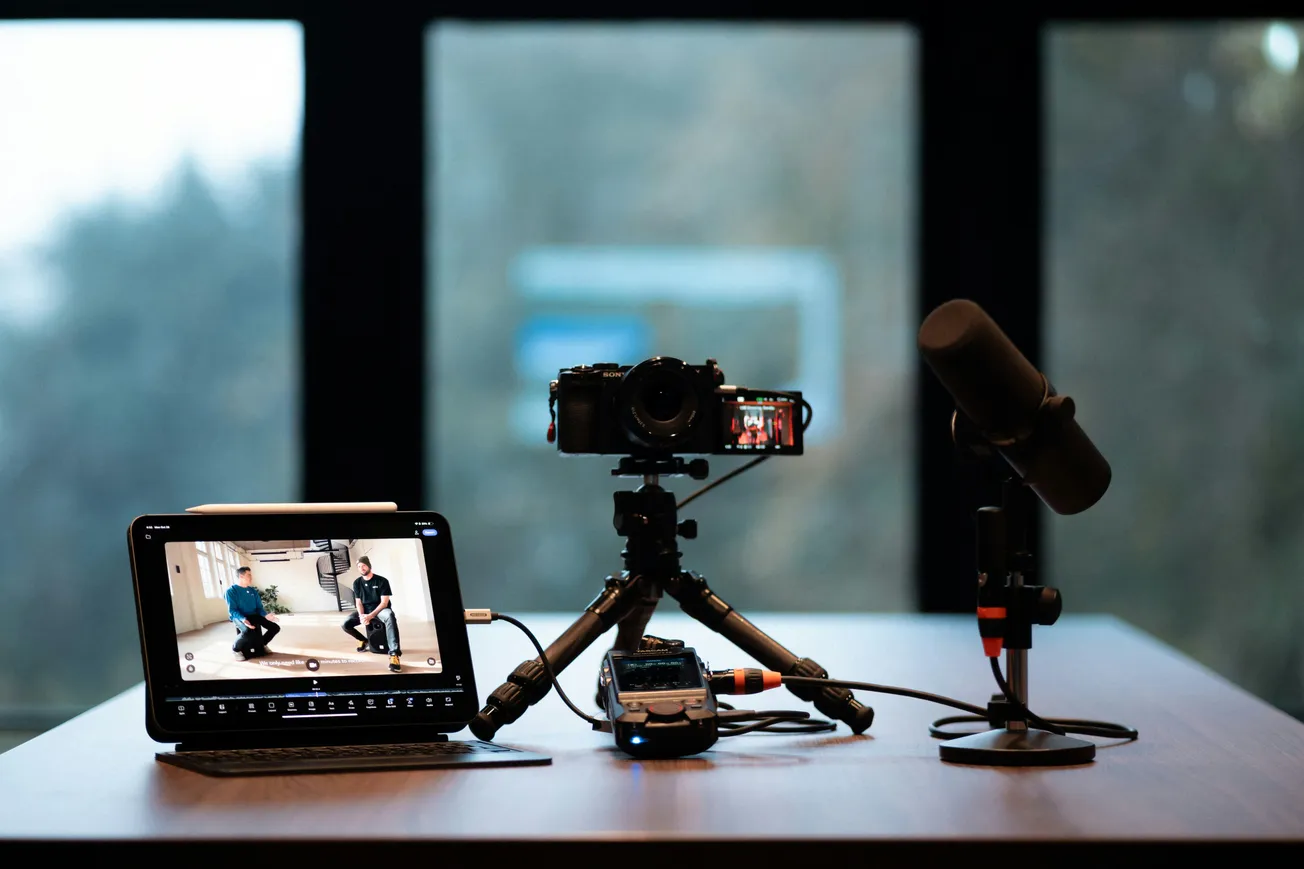
Organize Files Pre-Edit: A simple organizational step before diving into editing can save significant time later. Create clear folder structures for different types of footage (camera angles, screen recordings, audio) and rename key files descriptively. This prevents time wasted searching for specific clips and makes it easier to pause and resume editing sessions.
Turning Long Recordings into Multiple Videos
Long-form recordings are a valuable content asset. Instead of producing a single video, extract multiple pieces of content. Identify stand-alone moments for short clips (YouTube Shorts, TikTok), group recurring ideas into themed compilations, build a main narrative video from your strongest beats, and repurpose deleted footage for behind-the-scenes content.
Using recurring templates for these extracted pieces further speeds up the process.
More about video editing:
 Staff Report
 Staff Report
 Staff Report