Starting a podcast at home does not require a professional studio or expensive gear. With a few carefully chosen pieces of equipment, beginners can record clear, professional-sounding audio from a spare room, office, or bedroom. The key is focusing on the essentials that directly impact sound quality and ease of use.
The Microphone
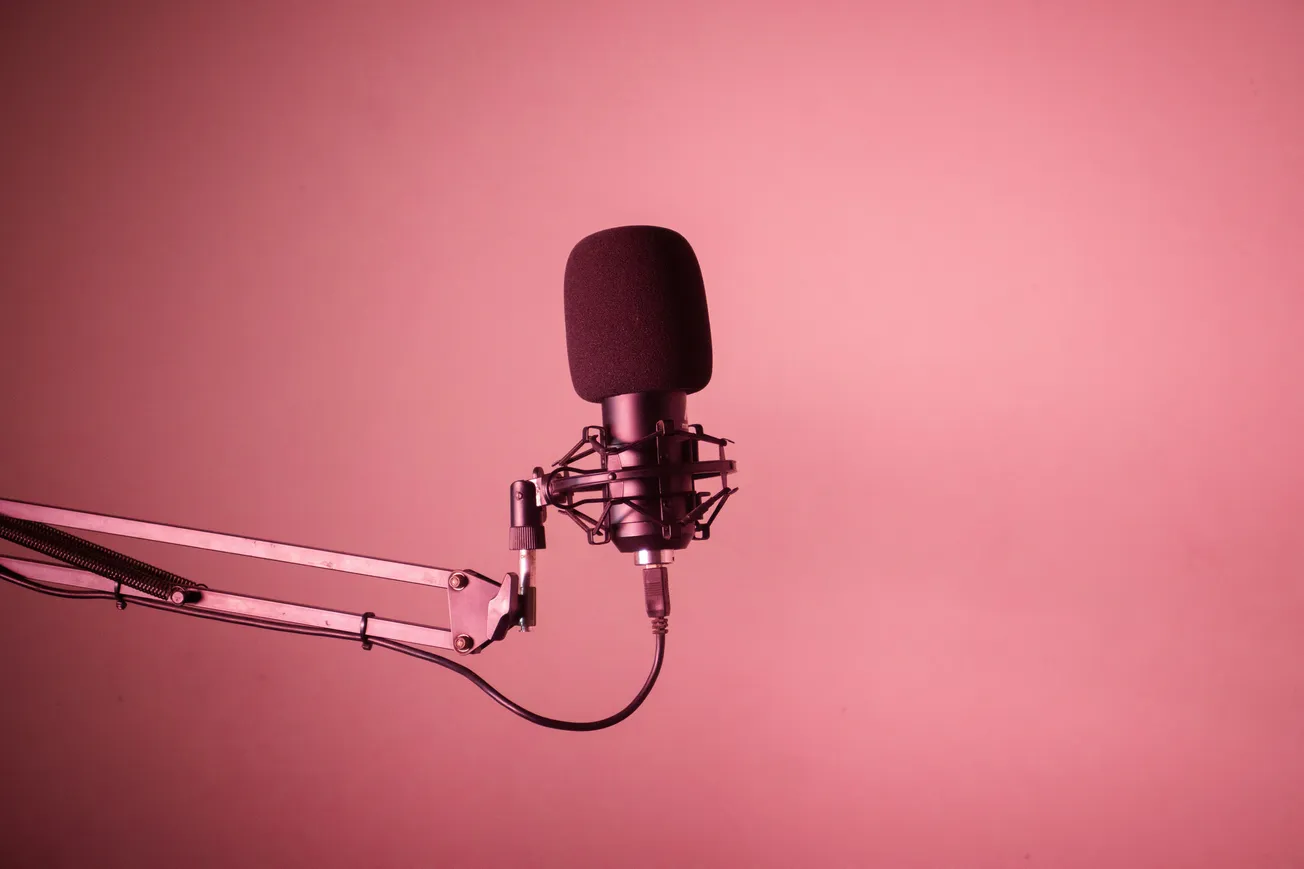
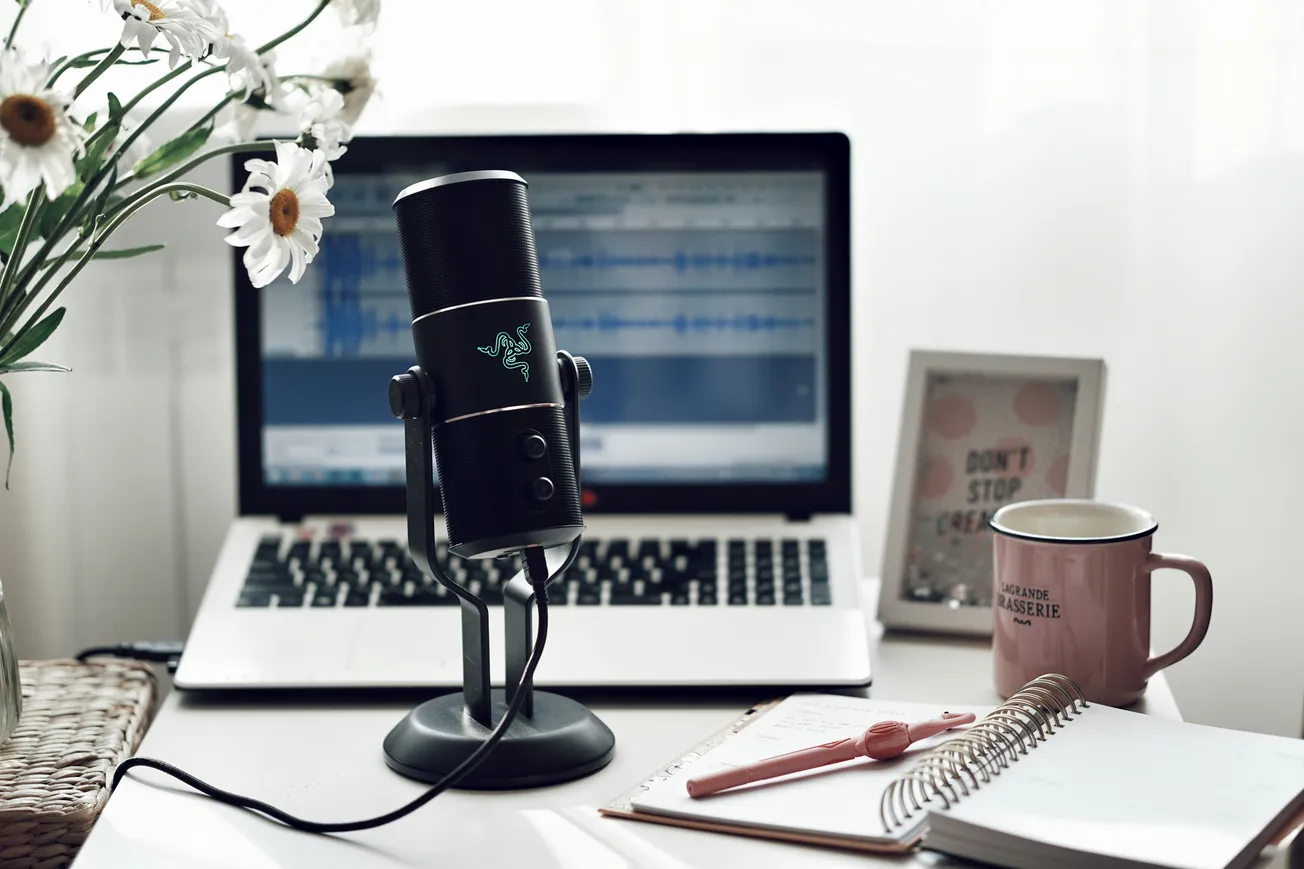
The microphone is the most important part of any podcast setup. For beginners, a USB microphone is often the easiest and most affordable option. USB mics connect directly to a computer, require minimal setup, and offer consistent results for spoken voice. Popular beginner-friendly models are designed to reduce background noise and avoid the harsh, overly bright sound common in cheaper microphones.
 Staff Report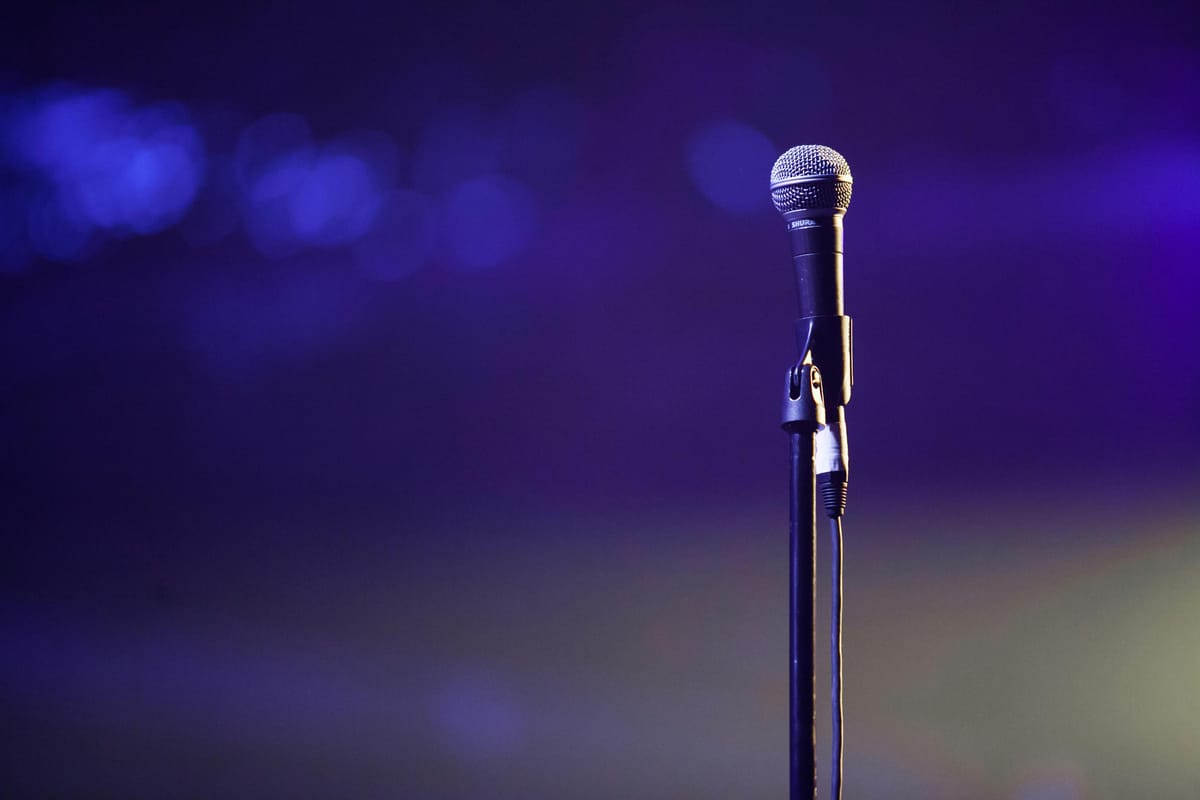
Headphones
Closed-back headphones are essential for monitoring audio while recording. They help catch issues like distortion, background noise, or mic placement problems before they become permanent. Headphones also prevent sound from leaking back into the microphone, which can cause echo or feedback during recording.
 Staff Report
Computer and Recording Software
Most modern laptops and desktop computers are more than capable of handling podcast recording. Beginners should focus on simple, reliable recording software rather than complex production tools. Many free and low-cost audio programs allow users to record, edit, and export podcast episodes without a steep learning curve.
 Staff Report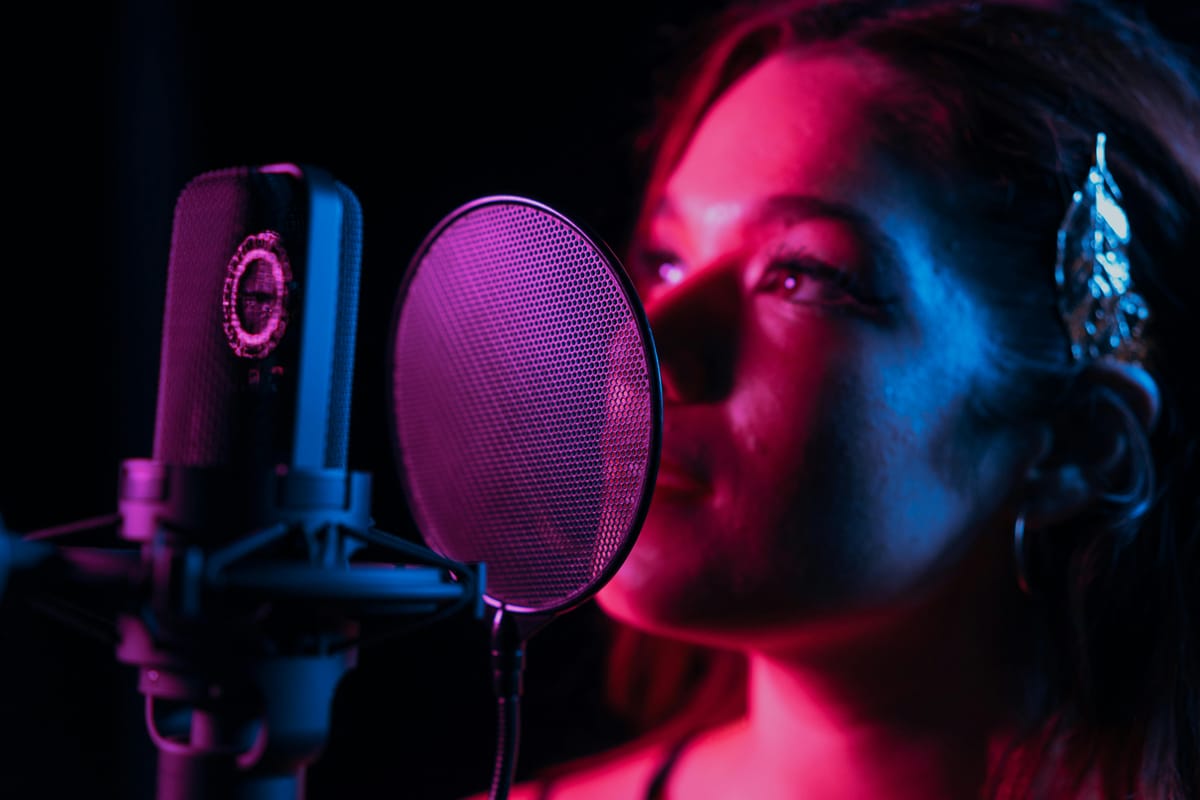
Mic Stand and Basic Accessories
A stable mic stand or desk arm helps keep the microphone positioned correctly and reduces vibrations from typing or desk movement. A pop filter or foam windscreen is also helpful for controlling plosive sounds from letters like P and B, which can cause unwanted bursts of air in recordings.
 Staff Report
Recording Space and Sound Control
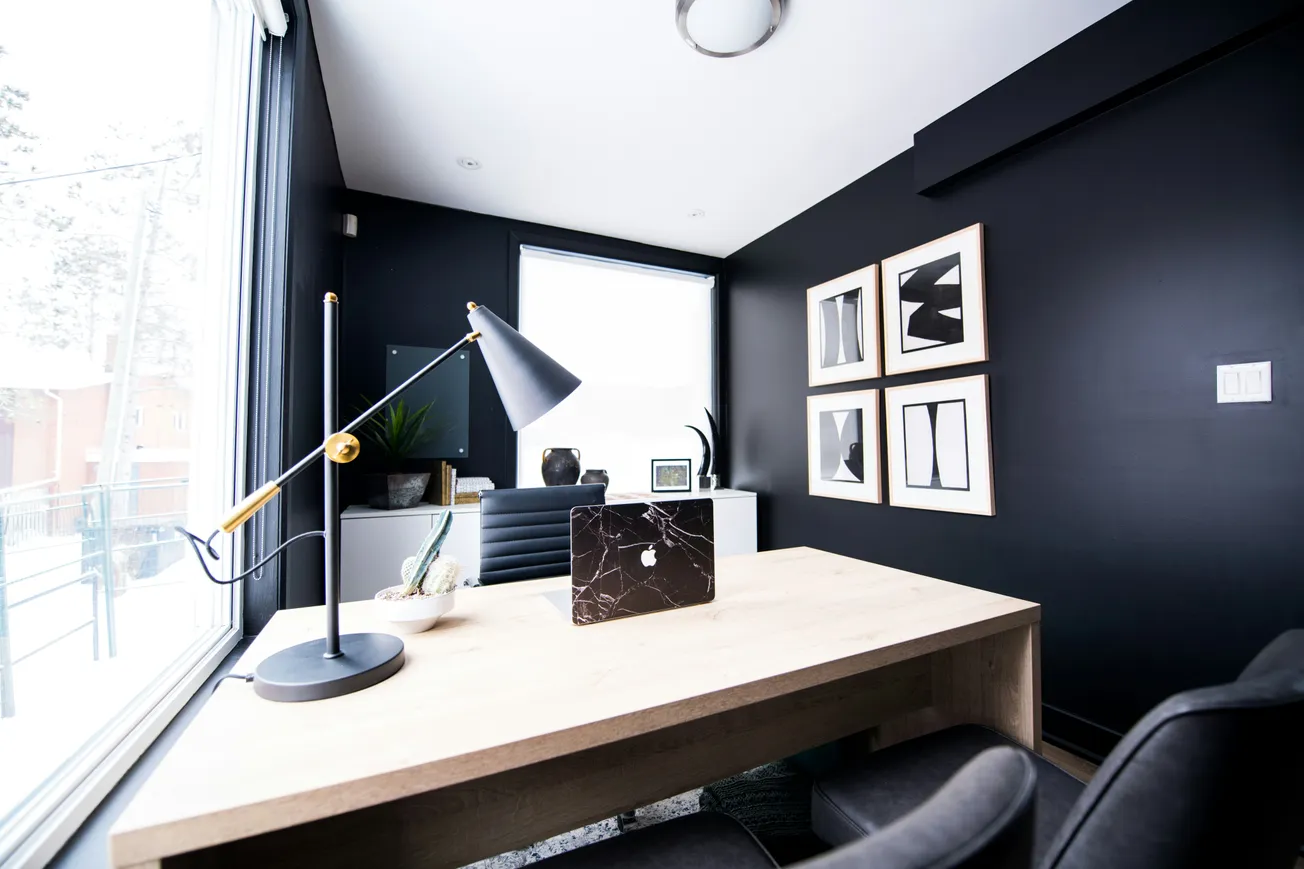
A quiet room with soft furnishings often matters more than expensive acoustic treatment. Carpets, curtains, couches, and bookshelves help absorb sound and reduce echo. Turning off noisy appliances and recording during quieter times of day can dramatically improve audio quality.
 Staff Report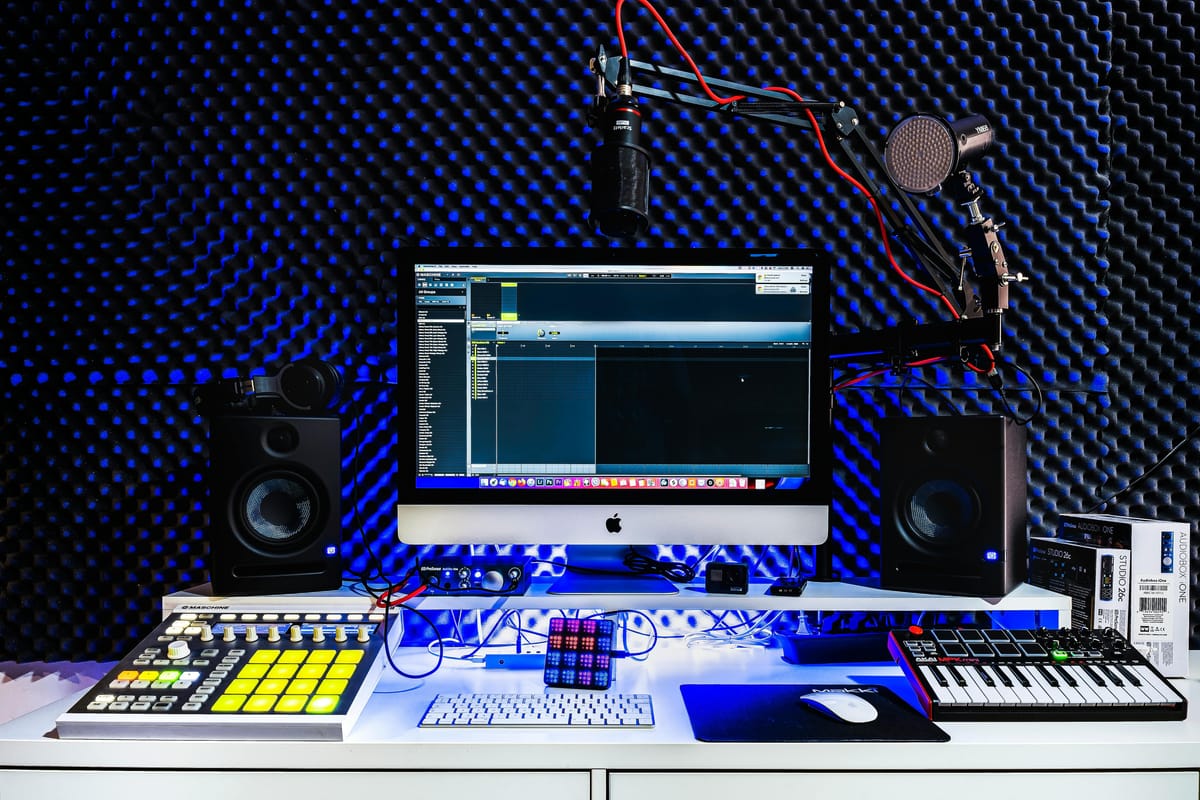
With just these core pieces of equipment, beginners can create a simple home podcast studio that sounds polished, professional, and ready for publishing.